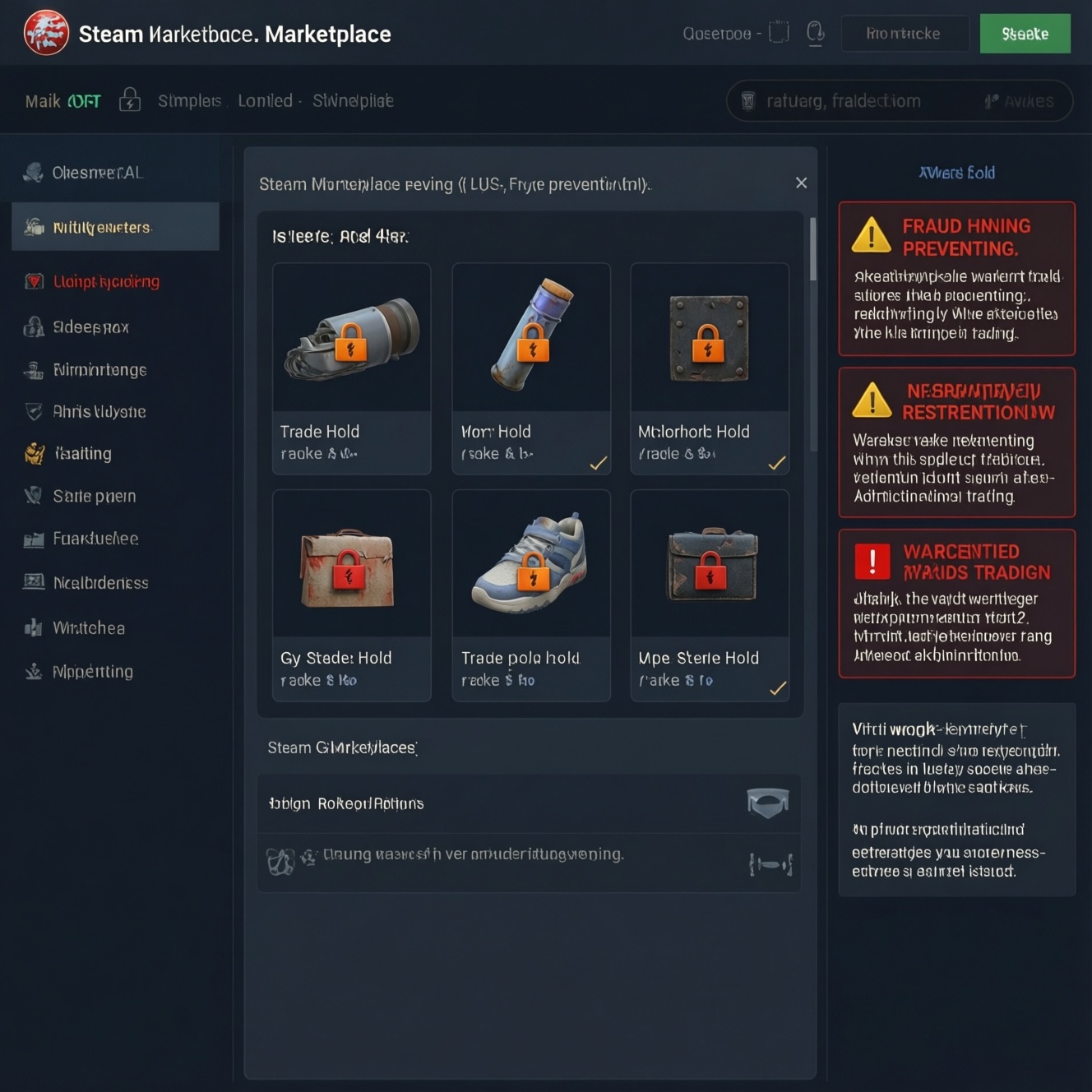
A Steam trade hold is a delayed delivery period where traded items are locked for review before changing owners; a Steam trade restriction is any rule that blocks or limits trading outright. They exist to reduce fraud and chargeback losses. You plan around them by checking account security status, understanding which restriction type applies, and timing trades to avoid lock windows.
Trade-hold essentials: quick orientation
- A steam trade hold delays item delivery; a steam trade restriction prevents or limits trading actions.
- The commonly referenced steam trade hold 15 days is a planning shorthand, but the actual hold depends on your account's security and recent changes.
- Holds are often triggered by security changes (e.g., authenticator adjustments) and are designed to reduce account-takeover damage.
- "Remove" usually means avoid triggering a hold and waiting it out; how to remove steam trade hold is mostly about prevention and timing.
- A steam trade cooldown is a separate temporary delay/rate-limit concept; don't confuse it with item holds or account bans.
How Steam trade holds work: mechanics and triggers
Mechanically, a hold sits between "trade accepted" and "items delivered." Both parties may see the trade as agreed, but the items are locked and cannot be used, sold, or re-traded until the hold expires. This is why holds feel like "the trade happened, but nothing moved yet."
Triggers are typically tied to account-trust signals: changes to security settings, device or session changes, and situations where Steam wants a time buffer for recovery if the account was compromised. In practice, traders notice holds most when they adjust authentication, recover an account, or start trading from a "fresh" security setup.
Planning boundary: a hold is not the same as a trade ban/market ban (which blocks activity), and not the same as a steam trade cooldown (which may limit when you can perform another action). A hold is about delayed settlement of items.
- Confirm whether you're facing a delay (hold) or a block (restriction/ban) before changing anything.
- Assume security changes can add a time buffer; avoid last-minute changes before high-value trades.
- Communicate settlement timing to counterparties (especially marketplaces) to avoid "non-delivery" disputes.
- Track which account performed the change (main vs alt); holds are account-specific.
Specific restriction types: temporary holds, limited accounts, and market bans
Steam uses several "gates." Some delay items (holds), others limit eligibility (limited accounts), and others block activity entirely (bans). The user experience is similar-"I can't trade normally"-but the fix and risk profile are very different.
- Temporary trade holds: items are locked after acceptance and delivered later. Best thought of as "delayed settlement."
- Temporary trade restrictions: trading may be blocked for a period after certain account/security events. This is a "hard stop," not a delay.
- Limited accounts: accounts with incomplete eligibility may be unable to use some community/trading features until requirements are met.
- Market restrictions: selling/buying on the Community Market may be limited, sometimes independently from trading.
- Market bans / trade bans: enforced blocks due to policy, fraud signals, or enforcement actions; these are not "solved" by waiting.
- Classify the problem: hold (delay) vs restriction (block) vs ban (enforcement).
- Check whether the limitation affects trades, the market, or both.
- Don't "spam fixes" (reinstalling, relogging, changing authenticator repeatedly) before you identify the category.
- If you operate multiple accounts, isolate the impacted one to protect your operational flow.
Why Valve applies holds: fraud prevention, chargeback risk, and account safety
Valve applies holds and restrictions to reduce irreversible losses when an account is taken over or when payments are reversed after items move. A delay window makes it easier to detect abuse and for legitimate owners to recover access before value is transferred out.
- Account takeover: attacker accepts trades; hold window reduces "instant drain" impact.
- Suspicious session/device changes: abnormal sign-ins or new devices can raise risk signals.
- Authenticator/security changes: changes to trust signals often cause temporary friction by design.
- High-risk trading patterns: repeated rapid trades, many counterparties, or unusual inventory movement may trigger protective limits.
- Payment/chargeback exposure: when money and items interact (e.g., market activity), reversals can create downstream fraud risk.
- Treat holds as a safety feature that costs convenience to buy time for recovery.
- Separate "I'm protected" from "I'm blocked": safety systems can still be disruptive to legitimate traders.
- Expect stricter behavior around security lifecycle events (recovery, authenticator changes).
- Design your trading schedule assuming occasional friction, especially for high-frequency operations.
Signals and logs: how to spot holds before they affect trades
You can usually detect a hold or restriction before committing to a trade by checking the trade offer UI and your account/community status pages. The key is to verify both the presence of a hold and the reason category (security vs enforcement) so you don't take counterproductive actions.
Practical signals to check (fast)
- Trade offer screen indicates a delivery delay (hold) rather than immediate exchange.
- Steam Guard / authenticator status indicates recent changes or missing protection.
- Account notices about community/trade limitations show up in relevant settings/status areas.
- Community Market access differs from trade access (helps identify market-only issues).
Limits of what you can infer (avoid wrong conclusions)
- The phrase steam trade hold 15 days is widely cited, but you should plan based on what your UI/status indicates for your account today.
- Re-adding or toggling security features mid-issue can extend delays rather than shorten them.
- A steam trade cooldown can look like "trading is broken," but it may be an action-timing limit, not an item hold.
- Bans/enforcement states won't be resolved by waiting for a hold window to end.
- Verify the message in the trade offer UI before negotiating final delivery expectations.
- Check security status before you list items for time-sensitive deals.
- Differentiate market vs trade issues to avoid chasing the wrong fix.
- Document what changed recently (authenticator, password, recovery) for faster diagnosis.
Practical mitigation: account setup, verification, and timing tactics
There is no universal "instant unlock." Most "fixes" are actually prevention measures and process choices that minimize the chance you trigger a hold, or reduce business impact when you do. In other words, how to remove steam trade hold usually means "stop causing new holds and wait out the current one."
Approaches compared by implementation effort and risk
| Approach | Ease to implement | Risk / downside | Best for |
|---|---|---|---|
| Keep security stable (avoid last-minute changes) | Easy | Requires discipline; delays account maintenance | Time-sensitive trades, marketplace settlements |
| Use a single, well-prepared "trading account" | Medium | Operational concentration; if restricted, operations pause | Frequent traders who need predictable behavior |
| Run multiple accounts to "route around" holds | Hard | Higher compliance/operational risk; more points of failure | Marketplaces/merchants with strict internal controls |
| Trade only after a buffer period post-changes | Easy | Opportunity cost; misses fast deals | Anyone who just changed authenticator/recovered access |
Common mistakes and myths (what to stop doing)
- Myth: "Reinstalling Steam removes holds." Holds are server-side; reinstalling rarely changes anything.
- Mistake: toggling authenticator repeatedly. Repeated security changes can prolong friction rather than reduce it.
- Myth: "A hold is the same as a steam trade restriction." A hold delays items; a restriction blocks actions. The right response differs.
- Mistake: committing to delivery times without checking the trade UI. This causes disputes and failed marketplace SLAs.
- Mistake: ignoring cooldown messaging. A steam trade cooldown may require only waiting before re-attempting an action.
- Freeze security settings when you anticipate important trades (plan changes after settlement).
- Build a buffer window into your trading calendar after recovery/security changes.
- Verify whether you're dealing with a hold, restriction, cooldown, or ban before acting.
- Align counterparties on "delivery after hold" vs "trade blocked" to prevent escalations.
Operational workflows for frequent traders and marketplaces
For frequent traders, the goal is not to eliminate holds entirely, but to make them predictable. A simple operational workflow reduces failed deals and support load: preflight checks, risk-based routing, and settlement communication.
Mini-workflow (merchant-style) that plans around holds
- Preflight: Check account security status and trade UI for any hold/restriction indicators.
- Classify: If it's a hold, compute "deliver later"; if it's a restriction/ban, stop and resolve eligibility/enforcement.
- Route: If you run multiple inventories, route time-sensitive orders only through accounts with clean status.
- Set expectations: Tell the buyer the settlement timing upfront (especially if a steam trade hold is shown).
- Post-trade: Log the trigger (what changed recently) to prevent repeats.
Example decision logic (pseudo-ops)
if trade_ui == "held":
    mark_order = "delayed settlement"
    notify_counterparty_with_hold_timing()
elif account_state == "restricted":
    stop_trading()
    fix_eligibility_or_wait_policy_window()
elif action_state == "cooldown":
    wait_then_retry_action()
else:
    proceed_with_trade()
- Always classify first; don't apply "hold fixes" to bans/restrictions.
- Use logging to connect holds to security events and improve predictability.
- Standardize messages to customers/partners about delayed settlement.
- Keep an "operations-safe" window for maintenance (authenticator, recovery) outside peak trading time.
Pre-trade self-check before you click Confirm
- I know whether this is a hold (delayed delivery) or a steam trade restriction (blocked action).
- I have not changed authenticator/security settings recently without adding a buffer window.
- The trade offer UI shows the expected settlement timing, and both parties agree on it.
- If I see a steam trade cooldown, I'm waiting to retry rather than escalating changes.
Answered: common trade-hold scenarios
Is a steam trade hold the same as a trade ban?
No. A hold delays item delivery after acceptance, while a trade ban blocks trading as an enforcement action or policy state.
Why do people mention steam trade hold 15 days so often?
It's a common shorthand traders use when planning, but your actual hold depends on your account's current security and recent changes. Always rely on what Steam shows for your trade offer.
How to remove steam trade hold immediately?
Typically you can't remove an active hold instantly; it's enforced server-side. The practical path is to avoid additional triggers and wait for the hold to complete.
What's the difference between a steam trade restriction and a hold?
A restriction blocks you from trading (or limits features), while a hold allows the trade but delays delivery. They require different responses and timelines.
Can a steam trade cooldown happen even if I have no holds?
Yes. A steam trade cooldown can be an action-timing limit separate from item settlement holds.
Should I change Steam Guard/authenticator settings to fix a hold?
Not during an active issue unless you are securing a compromised account. Unnecessary changes can add more friction or extend delays.
How do marketplaces plan around holds without breaking delivery promises?
They preflight the trade UI, route time-sensitive orders through clean-status accounts, and disclose delayed settlement timing before payment is finalized.