
To secure a Steam-linked gambling/trading account, lock down login access with a unique password plus steam 2fa (Steam Guard), treat every steam api key as a high-risk credential, and use strict steam phishing protection habits before clicking, logging in, or confirming trades. Combine device hardening, recovery prep, and continuous monitoring to reduce theft and unauthorized bets.
Essential security summary for gambling accounts
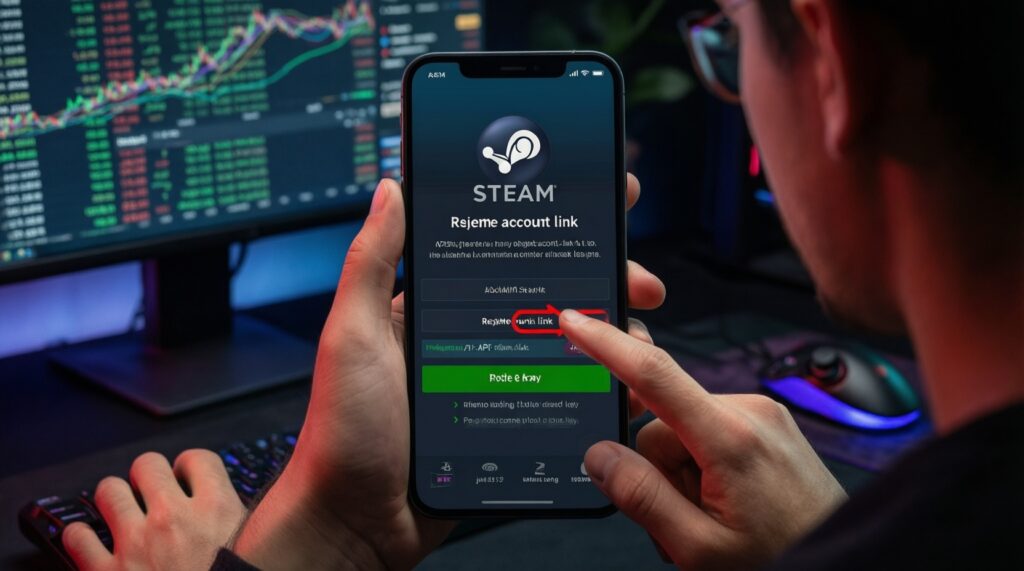
- Use a unique password + steam guard mobile authenticator; avoid SMS-only where possible.
- Assume any leaked steam api key enables silent trade redirection; rotate it after any suspicion.
- Never "re-login" from links; open Steam in your browser/app directly to defeat phishing.
- Confirm trades only after verifying partner, items, and destination account on the Steam confirmation screen.
- Harden devices: updates, malware scan, and remove risky browser extensions.
- Prepare recovery: codes, proof, and a written incident checklist before something goes wrong.
Account access controls: passwords and 2FA implementation
Best for: anyone who trades skins, uses gambling/betting sites with Steam login, or receives frequent trade offers. This is the highest-impact step for steam account security.
Do not do this right now if: you cannot secure your phone (shared device, rooted/jailbroken, no screen lock), or you are traveling and may lose your SIM/phone without backup access. Fix phone security and recovery first, then enable.
- Set a unique password (risk: high if reused). Use a password manager and change any reused credentials immediately. Example: create a 20+ character random password and store it only in your manager.
- Enable steam 2fa via Steam Guard (risk: high if skipped). Prefer Steam Guard Mobile over email-only protections. Example: in the Steam mobile app, enable Steam Guard and complete enrollment on the same day to avoid "half-set" states.
- Lock down email (risk: high if weak). Your email is the "master key" for resets; secure it with its own 2FA and a unique password. Example: add a recovery email/phone you control and remove old recovery methods you no longer own.
API keys: generation, storage, scope and rotation
You may need a steam api key for some trading tools, price trackers, or bots. Treat it like a password: if exposed, it can be abused in workflows that rely on API access and can be a pivot for scams.
What you need before touching any steam api key
- Confirmed Steam Guard Mobile is working (steam guard mobile authenticator codes must be available offline or via secure device access).
- Access to your Steam account on a trusted device (no public PCs; no "borrowed" phones).
- A password manager or secure secrets storage (at minimum, encrypted notes; avoid plain text files and chat apps).
- A reason and a list of apps/sites that will use it (if you cannot name them, don't create one).
- A rotation plan (know how to revoke/regenerate if you suspect compromise).
Concrete example: If a betting site says "enter your Steam API Key" but you only use it for login, not for a specific trading feature you understand, treat that as unnecessary and high risk-stop and verify their requirement from the site's official help pages opened via your own bookmarks.
Phishing detection and response on Steam platforms
- Open Steam-related pages from your own bookmark/history, not from DMs, trade chat, Discord, or "support" messages.
- Check you can see the correct Steam account name/avatar inside the official Steam login flow before entering credentials.
- Pause if anything demands your Steam Guard code outside the official Steam prompt.
- Be ready to revoke your steam api key and change passwords immediately if you suspect compromise.
-
Recognize common lures (risk: high).
Messages offering "free items," "jackpot entry," "account verification," "complaint report," or "vote for my team" are classic steam phishing protection scenarios.- Any urgency ("must do in 5 minutes") is a red flag.
- Any request to "disable Steam Guard temporarily" is a stop sign.
-
Verify the destination before logging in (risk: high).
Do not log in from embedded browsers inside chat apps; open your normal browser and navigate manually.- If you arrived via a link, close it and re-open Steam or the site from a trusted bookmark.
- Do not type Steam credentials into "lookalike" login forms.
-
Confirm you are using the real Steam authentication flow (risk: high).
Steam Guard prompts should appear in the Steam mobile app; avoid entering steam 2fa codes into third-party pages.- If a site asks for a Steam Guard Mobile code more than once, stop and reassess.
- If you see unexpected "new device" prompts, assume your password may be compromised.
-
Check trade confirmations carefully (risk: high).
Before confirming, validate the trade partner and items inside Steam; trade redirects often rely on rushing you at this step.- Compare the partner's profile and trade offer details with what you expect.
- Decline if the receiving account looks different than the one you intended.
-
Immediate response if you suspect phishing (risk: critical).
Act as if credentials and sessions are compromised: reset access, revoke tokens/keys, and stop trading until stable.- Change your Steam password and your email password (starting with email if it's at risk).
- Revoke/regenerate your steam api key if you have one and stop any bots/tools until verified.
- Review authorized devices/sessions and remove anything unfamiliar.
Device and network hardening for trading and betting
Use this checklist to verify you actually improved security (not just "enabled features").
- Your phone has a strong screen lock, biometric enabled, and OS updates installed.
- Your Steam mobile app is up to date, and steam guard mobile authenticator codes work without relying on risky screen sharing.
- Your PC has the latest OS and browser updates, plus a completed malware scan.
- Browser extensions are audited: remove coupon/unknown extensions; keep only what you can justify.
- Passwords are stored only in a password manager (not in notes, screenshots, or chat logs).
- You do not trade or log in on public PCs, internet cafés, or "helper" machines.
- Your Wi-Fi is secured (WPA2/WPA3) and you avoid logging in on open public Wi-Fi for high-value trades.
- Steam and email notifications are enabled so you see login/trade alerts quickly.
Concrete example: If you must place a bet while outside, use your phone's trusted connection and avoid clicking any "Steam login" link from chat-open the site from your own bookmark, then confirm via Steam Guard.
Recovery planning: backups, trusted contacts and incident steps
These mistakes repeatedly cause permanent losses or long lockouts after a scam or phone loss.
- Enabling steam 2fa without saving recovery info (then losing the phone).
- Using the same password for Steam, email, and gambling sites (one breach cascades).
- Keeping recovery codes in screenshots or unencrypted cloud notes (easy to steal).
- Trusting "support" DMs that ask for proofs, codes, or remote access.
- Continuing to trade while "something feels off" (you amplify damage during compromise).
- Not writing down what "normal" looks like (typical login locations/devices), making anomalies harder to spot.
- Sharing Steam Guard codes with a friend/team member "just once".
- Failing to rotate a steam api key after installing a new trading tool or browser extension.
Concrete example: Store recovery details in your password manager's secure notes, and add a second trusted recovery channel (separate email or phone you control) so you can recover even if your main device is lost.
Continuous audit: logs, permission reviews and anomaly alerts
If your trading volume is high or you use multiple tools, add an audit routine. Choose an approach that matches your risk and time.
- Weekly 5-minute manual review: check recent logins/devices, recent trades, and active sessions; best for most users.
- Per-trade "two-person rule" (high stakes): one person prepares, another confirms in Steam Guard; useful for teams managing shared bankroll workflows (avoid sharing credentials; use controlled roles instead).
- Tool minimization strategy: uninstall/stop all nonessential bots/extensions, then add back only what's required; best after any suspected phishing.
- Segmentation strategy: keep betting/trading activity on a dedicated device or browser profile; best if you regularly test new sites/tools.
Concrete example: If you notice unfamiliar trade confirmations, immediately freeze activity: stop betting/trading for the day, rotate passwords, rotate the steam api key, and re-check devices before resuming.
Quick troubleshooting and concise clarifications
Is Steam Guard the same as steam 2fa?
Steam Guard is Steam's 2FA system; when people say steam 2fa they usually mean Steam Guard Mobile codes and confirmations. Email-based protections alone are weaker than using the Steam mobile app.
When do I actually need a steam api key?
You only need a steam api key for specific integrations (some tools, bots, or services). If a site asks for it without a clear, necessary feature you understand, treat it as high risk and avoid providing it.
What is the fastest safe reaction to a suspected phishing attempt?
Stop clicking and stop trading. Change Steam and email passwords from a trusted device, then revoke/regenerate the steam api key if you have one.
Can I enter my Steam Guard code on a third-party betting site?
Prefer approving through the official Steam prompt and Steam Guard Mobile flow. If a third-party page asks for Steam Guard codes in unusual ways, assume steam phishing protection is failing and back out.
Why do scams focus on trade confirmations?
Because confirmations are the last gate before items move. Attackers try to rush you into approving a redirected trade where the recipient is not the intended account.
What's the minimum I should review weekly for steam account security?
Check for unfamiliar logins/devices, unexpected trade offers/confirmations, and any new "connected" tools or extensions. If anything is off, rotate credentials and pause activity.