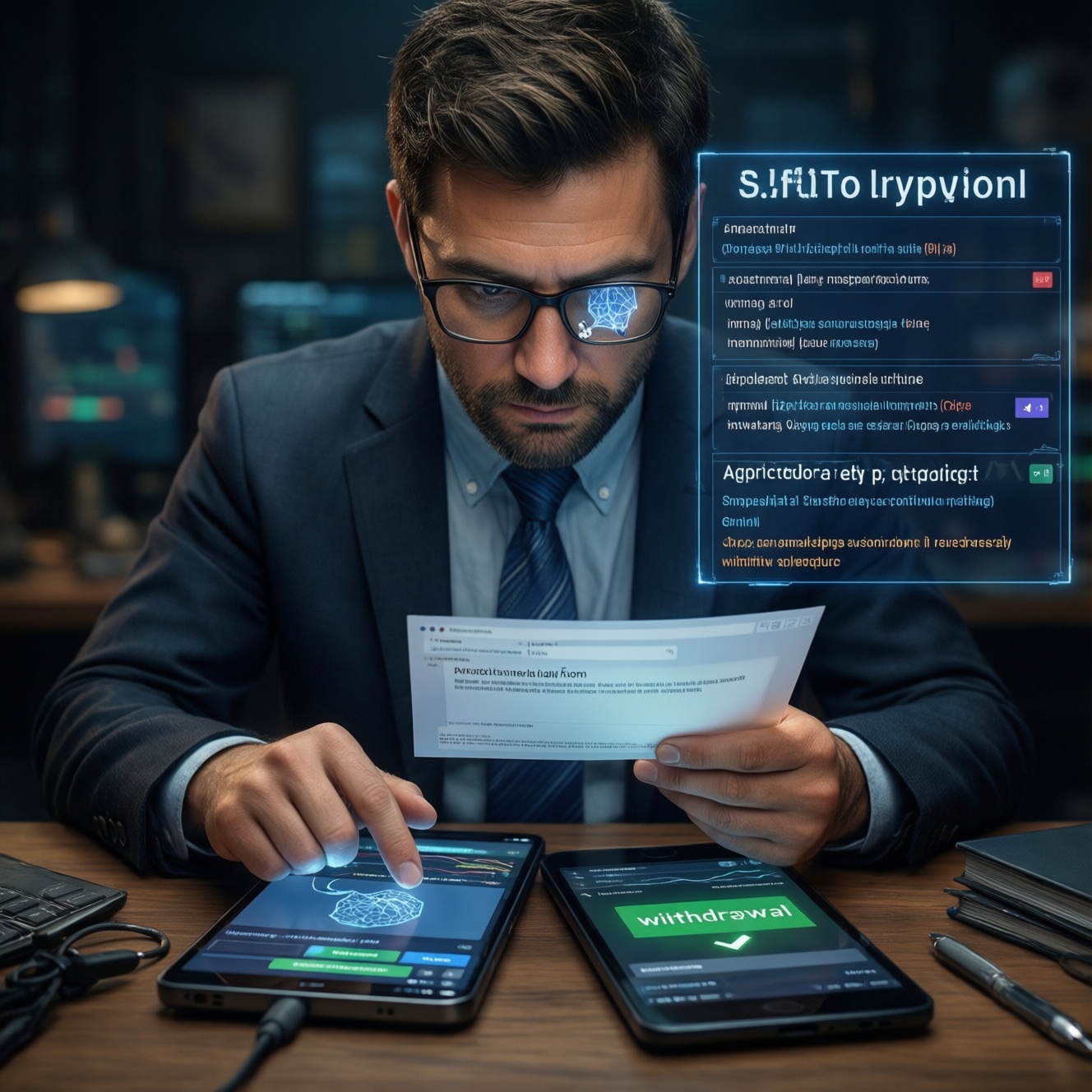
An effective anti fraud checklist for traders is a repeatable routine: verify domains and messages to block phishing, lock down and audit API keys, vet any "best crypto trading bot" claims with hard checks, and confirm every withdrawal with out-of-band verification. Use the steps below to strengthen crypto phishing protection, trading api security, and avoid crypto trading scams.
Core safety checklist - quick reference
- Only log in via bookmarked exchange URLs; never from ads, DMs, or email links.
- Enable MFA (authenticator app or hardware key), plus anti-phishing code if your exchange supports it.
- Create API keys with least privilege; disable withdrawals unless truly required.
- Rotate API keys after any integration change; store secrets in a password manager or secrets vault.
- Confirm withdrawals using a second channel (call/voice note) and a clean device when possible.
- Assume "guaranteed profit" bots are malicious until proven otherwise; test in read-only/sandbox first.
Recognizing phishing attempts on trading platforms
Who this is for: anyone trading on centralized exchanges, using Telegram/Discord trading communities, or clicking alerts/links from portfolio apps.
Do not proceed if the situation involves: a "support agent" requesting your seed phrase/2FA codes; login pages with unexpected popups; pressure to act "within minutes"; or any request to install remote access tools. In those cases, stop and use official in-app support only.
| Threat pattern | Immediate action |
|---|---|
| Lookalike domain (extra letters, different TLD) or shortened URL | Close the page; open the exchange from a bookmark; verify the domain in the address bar before login. |
| "Security alert" asking you to re-login or reset API keys | Do not click; open the exchange app/site directly; check your account notifications and recent logins. |
| Fake support via Telegram/Discord DM | Block/report; contact support through the official website/app; never share screenshots of 2FA/backup codes. |
| Browser extension prompts during trading | Disable suspicious extensions; re-check permissions; reinstall browser profile if compromised. |
| "Bot marketplace" offering a plug-and-play strategy with admin access | Refuse admin/withdrawal permissions; require read-only first; validate vendor identity and code integrity. |
Securing and auditing API credentials
You'll need:
- Exchange account with MFA enabled (authenticator app or hardware security key).
- Password manager (to store API key/secret and exchange login details) or a secrets manager.
- Ability to set API restrictions: permissions, IP allowlist, sub-accounts, and expiry (where supported).
- Access to exchange logs: API usage, login history, withdrawal history, and device sessions.
- A safe environment to run bots: dedicated server/VPS or an isolated machine profile (avoid shared PCs).
Quick hardening for trading api security:
- Use least privilege: spot trading only if that's all you need; no withdrawals; no account settings scope.
- Prefer IP allowlisting for your VPS/static IP. If your IP changes often, use a VPN with a fixed exit IP.
- Separate keys by purpose: one per bot, per exchange, per environment (test vs prod), per sub-account.
- Set rotation reminders: rotate keys after bot updates, server changes, or any suspicious event.
Command snippet (local leak scan): on your bot folder, quickly search for accidentally committed secrets.
grep -RInE "api[_-]?key|api[_-]?secret|token|secret" .Detecting and avoiding fake trading bots
-
Define what "safe" means before you search
If a vendor claims it's the best crypto trading bot, require evidence you can verify: clear permissions, reproducible install steps, and transparent updates. If they won't explain how it connects to your exchange, treat it as high risk.- Non-negotiables: read-only or trade-only API keys first; no withdrawal permission; no remote desktop "setup help".
-
Verify the source and integrity
Download only from the official repository/site you can independently confirm. Prefer open-source with tagged releases and signed commits/releases when available; avoid random zip files from chat links.- Check the exact domain spelling and TLS padlock, then re-check in the address bar.
- Search the project name plus "scam", "phishing", and "API key stolen" before installing.
-
Inspect required permissions and network behavior
Fake bots often request excessive scopes or silently exfiltrate keys. Confirm what API endpoints it uses and whether it phones home.- Red flags: asks for exchange password, 2FA codes, seed phrase, or "withdrawal-enabled API for performance".
- Run it behind a firewall; allow only required outbound domains if you can.
-
Start with a sandbox, read-only, or minimal funds
Test behavior on a paper/sandbox environment (if the exchange offers it) or with the smallest acceptable balance. Track every order the bot places and compare to its stated strategy.- Use a separate sub-account for experiments to limit blast radius.
-
Audit updates and "support" processes
Many compromises happen via poisoned updates or fake support. Require changelogs, deterministic builds when possible, and an update channel you can authenticate.- If "support" asks you to paste API secrets into chat, it's a scam.
-
Continuously monitor for abuse indicators
To avoid crypto trading scams over time, watch for new API keys you didn't create, unknown IPs in API logs, and sudden strategy drift (odd trading pairs, frequent cancellations, dust trades).- Set alerts for: new login, new API key, permission changes, withdrawal address changes.
Fast mode: 4-step vetting algorithm
- Open vendor pages only from a bookmark or typed URL; verify the domain letter-by-letter.
- Create a new API key: trade-only, no withdrawals, IP allowlisted, separate sub-account.
- Test with sandbox/minimal funds; compare orders to documented strategy for at least one session.
- If anything looks off (new IPs, new keys, weird pairs), revoke keys immediately and rotate credentials.
Transaction and withdrawal verification practices
- Confirm the destination address from a trusted source (address book/whitelist), not from chat screenshots.
- Check chain/network matches the recipient (e.g., do not "auto-select cheapest" if uncertain).
- Use address whitelisting and enforce withdrawal delays if your exchange supports it.
- Perform a small test transfer when sending to a new address or new chain for the first time.
- Verify the full address (first/last characters) and consider copy/paste malware risk; re-check after pasting.
- Validate amount, fees, and final receive amount before confirming.
- Require out-of-band confirmation for large moves (phone call/voice note with a known contact).
- Review recent API activity and open sessions before approving withdrawals.
- Keep a simple transfer log (date, exchange, txid, destination label) to spot anomalies faster.
Safe integration of bots, webhooks and third-party tools
- Using one master API key across multiple tools (single point of failure); issue separate keys per tool and per environment.
- Granting withdrawal permission "temporarily" and forgetting to remove it; never enable it unless unavoidable and time-box it.
- Running bots on shared machines or unmanaged hosting; use a dedicated VPS, patch regularly, and restrict SSH access.
- Storing API secrets in plaintext config files or chat messages; use environment variables and a secrets manager.
- Exposing webhook URLs publicly without authentication; require a signature (HMAC), nonce/timestamp, and IP allowlisting.
- Accepting "install helpers" that request remote control; use screen-sharing read-only if you must, and never reveal secrets.
- Not pinning dependencies or auto-updating blindly; pin versions and update on your schedule after review.
- Ignoring egress control; if possible, limit outbound traffic to known exchange endpoints and your monitoring stack.
Incident response: immediate steps after suspected compromise
Option 1 - API key exposure suspected (most common): revoke all API keys immediately, create new least-privilege keys, and review API logs for unknown IPs and unusual endpoints. This is appropriate when trades appear you didn't place or you pasted keys into an untrusted bot/tool.
Option 2 - Account takeover indicators (login/session anomalies): reset password, force logout all sessions, re-enable MFA, and verify anti-phishing code and withdrawal whitelist. Use this when you see new devices, email changes, or support tickets you didn't open.
Option 3 - Device compromise suspected (malware/extension): disconnect the device from the network, use a clean device to secure accounts, then rebuild the machine (or at minimum remove extensions and rotate all secrets). This fits when clipboard behavior is odd, new extensions appear, or multiple accounts are impacted.
Option 4 - Funds at risk right now: move remaining balances to a safer account/wallet using verified addresses and a clean device, then coordinate with exchange support through official channels. Use this when withdrawal settings were changed or you see pending withdrawals.
Common trader concerns and quick clarifications
What's the single most effective crypto phishing protection habit?
Never log in from a link; use a bookmark or typed URL and verify the domain before entering credentials. Add MFA and an anti-phishing code to reduce damage if you slip once.
Do I ever need withdrawal-enabled API keys for a trading bot?

For most trading, no-bots typically need trade permissions only. If a tool insists on withdrawals, treat it as high risk and look for alternatives or a safer architecture.
How do I know if an "anti fraud checklist for traders" is working?
You should be able to pass quick audits: all keys are least-privilege, IP-restricted where possible, and every integration has its own key. You also see clear logs and alerts for logins, new keys, and withdrawals.
What's a fast way to spot a fake "best crypto trading bot" claim?
Guarantees, urgency, and requests for passwords/2FA/seed phrases are instant disqualifiers. A legitimate bot can be tested with read-only or trade-only keys and minimal funds first.
How often should I rotate API keys for trading api security?
Rotate after any suspected exposure, server change, or major bot update. If you run multiple tools, rotating on a schedule is helpful, but always prioritize rotation triggered by change or risk.
If I clicked a phishing link but didn't enter credentials, am I safe?
Usually, but not always-malicious pages can still fingerprint your browser or push downloads. Clear cookies for the exchange site, run a malware scan, and review exchange login/API logs.
What should I do first to avoid crypto trading scams spreading through my team?
Standardize the process: approved domains, approved tools, and a rule that secrets never go into chat. Require sub-accounts and separate API keys per operator/tool to contain mistakes.