
A Steam trading bot scam usually works by pushing you to log in on a fake Steam page or to "confirm" a trade so attackers can steal your session, API key, or mobile confirmations. Treat every bot link as hostile: do read-only checks first (domain, redirects, permissions), verify the trade offer inside Steam itself, then remediate fast if anything looks off.
Immediate red flags to spot before you click
- The link asks you to "re-login to Steam" or "verify inventory" before showing anything.
- The domain is not an official Steam/Valve domain, or uses lookalikes (extra words, hyphens, odd TLDs).
- You are pressured by time ("limited", "bot will cancel", "market ban soon").
- The page looks like Steam but has missing UI parts, unusual language mix, or broken links.
- You are asked to scan a QR, install a browser extension, or download "trade helper".
- The trade is "0 items from them, your items only", or you cannot confirm the bot's identity in Steam.
How Steam trading bots and API scams operate
Many "bot trade" scams are either phishing (stealing your login/session) or API/confirmation abuse (stealing control of trades after you log in). If you searched Steam API scam คืออะไร, the practical answer is: scammers aim to obtain a capability that lets them redirect, create, or confirm trades without your intent.
What you typically see (user-visible symptoms)
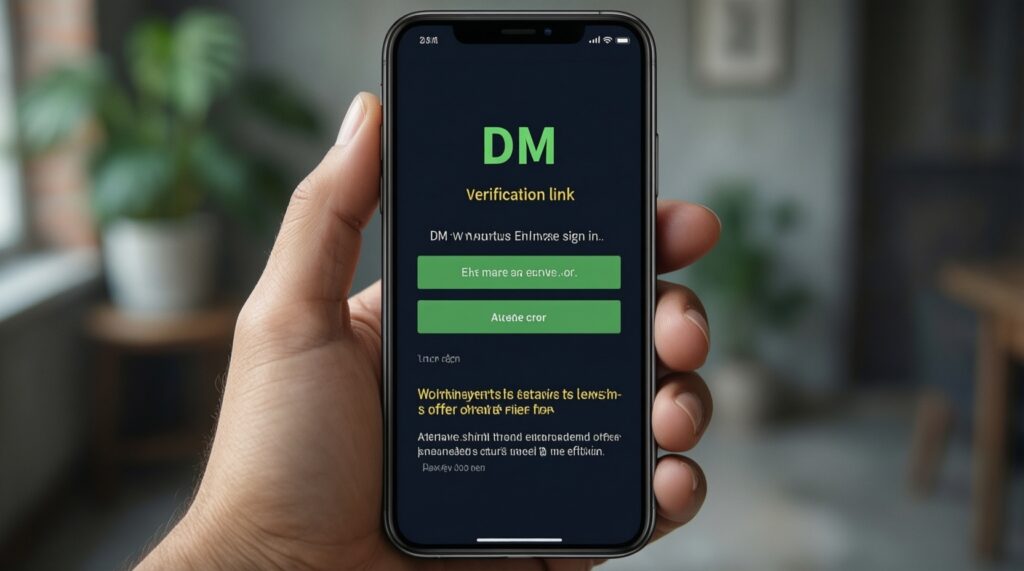
- A bot account DMs you with a "safe middleman", "auto-trade bot", or "verification" link.
- A website asks you to sign in, then immediately shows an "error" and asks to try again.
- A trade offer appears that resembles the real one but has a different partner or different items.
- You receive repeated mobile confirmations you did not initiate.
- Your API key status changes (created/registered) without you doing it.
Common technical indicators of a fraudulent bot link
Use this checklist as your วิธีเช็กลิงก์ Steam ก่อนล็อกอิน flow: only do read-only inspection until you are confident the destination is legitimate.
- URL does not start with https or shows browser certificate warnings.
- Domain is not one of Steam/Valve official properties (look for misspellings and "steam-...", "valve-...", "trade-...", "community-..." clones).
- Link uses shorteners or tracking redirects (you cannot see the final destination easily).
- Suspicious subdomain nesting (e.g., steamcommunity.com.example.com).
- Login page is embedded in an iframe or popup with odd address bar behavior.
- Page requests unusual permissions (notifications, clipboard, extensions) before showing content.
- "Open in Steam" buttons lead to web login again rather than opening the Steam client.
- Trade URL parameters look abnormal or unrelated to Steam offer formats.
- On mobile, the page prompts you to scan QR or install a "Steam Guard fixer".
- The "bot" account cannot be verified via its Steam profile history, badges, and consistent identity.
Step-by-step checklist to verify a trading link safely
- Do not log in from the link. Open Steam in a separate, known-safe path (Steam client or typed URL).
- Confirm the trade inside Steam. Find the offer in Steam client → Inventory → Trade Offers (or via Steam mobile app).
- Compare identities. Match the partner's profile, trade offer ID, and items; do not rely on chat screenshots.
- Inspect the link destination read-only. Expand redirects, check the final domain, and verify TLS.
- Stop if anything deviates. If you suspect compromise, switch from verification to mitigation immediately.
| Symptom | Possible causes | How to verify (read-only first) | How to fix (safe-first) |
|---|---|---|---|
| Site asks you to "Sign in to Steam" to view a trade | Phishing page mimicking Steam; credential/session theft attempt | Check the exact domain in the address bar; hover links; open Steam separately and look for the trade offer there | Close the tab; block/report the sender; only use Steam client/app for trade confirmation |
| Trade offer in chat differs from trade offer in Steam | Impersonation; swapped partner; bait-and-switch on items | In Steam, open the trade offer details and compare partner profile and items line-by-line | Decline the offer; remove the impersonator; re-initiate trade with the verified profile |
| Unexpected Steam Guard confirmations | Active session hijack; attacker initiating trades | Check Steam login history/devices (Steam settings) and review recent confirmations in the mobile app | Cancel pending confirmations; deauthorize other devices; change password; rotate Steam Guard if needed |
| Your API key appears created/changed | Account compromise; attacker registered an API key to redirect trades | From a trusted device, open Steam Community API key page and verify whether a key exists | Revoke the API key; change password; sign out everywhere; review authorized devices |
| Link uses a shortener or multiple redirects | Obfuscation to hide phishing domain | Use a redirect checker or copy the URL into a plain-text analyzer (no login) to reveal final domain | Do not proceed; ask the sender for an official Steam offer link; verify inside Steam |
| Browser asks to install an extension / download a "trade tool" | Malware/credential theft; browser session capture | Check whether the feature is achievable in Steam without add-ons (it is); review extension permissions if already installed | Do not install; remove suspicious extensions; run a malware scan; reset browser session |
How to inspect API calls and token exposure without logging in
Follow these steps in order. Stay read-only until step 6+; do not test credentials on any page you do not fully trust.
- Copy the link as text. Paste into a plain text editor to see the full URL (no clicking).
- Expand the final destination safely. Use a redirect-expander tool or a security gateway that shows the final URL without executing scripts.
- Check certificate and domain ownership signals. If you must open it, open in a hardened browser profile with no extensions and do not interact; verify HTTPS and the exact domain string.
- Open Developer Tools (Network) only for passive observation. Reload once and watch for calls to unknown domains, especially immediately after page load.
- Look for token capture patterns. Red flags include scripts reading cookies/local storage aggressively, or sending long identifiers to third-party endpoints.
- Never enter Steam credentials on a non-official domain. If login is required, stop and switch to Steam client/app verification.
- From a trusted Steam session, verify API key state. If you suspect an API setup, check whether an API key exists and revoke it if unexpected.
- From the Steam app, review confirmations and pending trades. Confirm only actions you initiated; cancel anything unexpected immediately.
Responding to a suspected compromise and rapid mitigation steps
If your situation matches โดนหลอกบอทเทรด Steam แก้ยังไง, prioritize containment over investigation. Do the minimum changes needed to stop active theft, then clean up.
Immediate containment (do now)
- Cancel any unexpected mobile confirmations and decline suspicious trade offers.
- Change your Steam password from a trusted device/network.
- Sign out of all other devices/sessions (deauthorize where available).
- Revoke any unexpected Steam Web API key and re-check that it stays revoked.
- Remove suspicious browser extensions; clear site data for Steam-related domains; restart the browser.
When to escalate to Steam Support
- You cannot access your account, email, or Steam Guard and control is clearly lost.
- Inventory items were traded away or market-listed without your authorization.
- Password changes do not persist, or new sessions appear immediately after you secure the account.
For กู้คืนบัญชี Steam ถูกแฮก, use the official Steam Support recovery flow and provide ownership evidence (transaction history, original email/phone where applicable). Do not rely on third-party "recovery services".
Long-term security practices to prevent future bot scams
Use this set as your baseline for ป้องกันการโกงเทรด Steam และบอทเทรด in Thailand's common trading communities (Facebook groups, Discord servers, LINE chats):
- Verify trades only inside Steam client/mobile app; treat external "verification bots" as untrusted.
- Bookmark official Steam pages and always navigate via bookmarks, not DMs.
- Keep Steam Guard enabled and review confirmations carefully (partner + items).
- Regularly check for an unexpected Steam Web API key and revoke if you did not create it.
- Use a dedicated browser profile for Steam with minimal extensions.
- Enable strong email security (unique password, 2FA) because email takeover often precedes Steam takeover.
- Refuse "middleman bot" workflows that require you to log in on third-party sites.
- Slow down high-pressure trades: re-check partner identity, offer contents, and confirmation details.
Practical answers to common bot-and-API troubleshooting
What is a Steam trading bot scam in plain terms?
It is a workflow that looks automated and legitimate but is designed to make you authenticate or confirm something that benefits the attacker, not you.
If a site looks exactly like Steam, is it safe?
No. Visual similarity is easy to fake; rely on the exact domain and verifying the trade within the Steam client/app.
Can an attacker steal items without my password?
Yes, if they obtain an active session, control your confirmations, or manipulate trade redirection via an API key. That's why session/device review and confirmation hygiene matter.
What is the fastest safe check before logging in?
Do not log in at all from the link. Open Steam separately and confirm whether the trade offer exists and matches the same partner and items.
I revoked my API key-what should I do next?

Change your password, sign out other devices, and check confirmations/pending offers. If the key reappears, treat it as an ongoing compromise and escalate.
Should I click "Confirm" on a Steam Guard prompt I didn't request?
No. Cancel/deny it and immediately secure the account (password change, sign-out, device review).
When should I stop troubleshooting and contact Steam Support?
When you lose access, items are already gone, or unauthorized sessions keep returning after you secure the account.