

To start CS2 skin betting safely, treat every เว็บเดิมพันสกิน CS2 as untrusted until it passes verification: confirm the real domain, Steam login flow, trade/bot identity, withdrawal rules, and support responsiveness. Use strict Steam security, limit bankroll exposure, and document every transaction. This guide shows วิธีเลือกเว็บเดิมพันสกิน CS2 and how to หลีกเลี่ยงสแกมเว็บเดิมพันสกิน CS2.
Quick Safety Checklist for CS2 Skin Betting
- Verify the exact domain (bookmark it) and avoid lookalike URLs from ads/DMs.
- Confirm you are logging in via the official Steam OpenID page and not a fake overlay.
- Check the trading bot identity (level, age, inventory history) before sending items.
- Read deposit/withdrawal rules end-to-end (fees, KYC, limits, cooldowns, "sticky" bonuses).
- Enable Steam Guard Mobile Authenticator and keep your API key cleared unless you truly need one.
- Test with a small-value skin first, then withdraw once to prove the full loop works.
- Keep screenshots/records of bets, trades, and chat in case you need a dispute.
How CS2 Skin Economy Works: What Bettors Must Know
Skin betting platforms usually move value through Steam trades (deposit skins to a bot) or through an off-platform wallet balance credited after deposit. Your main risks come from trade authorization, account takeovers, and withdrawal restrictions-not from the "bet" button itself.
This is a fit if you can follow a verification routine, accept volatility, and can afford losing the stake. Skip it if you:
- cannot secure your Steam account with 2FA and device hygiene,
- need guaranteed withdrawals on a deadline,
- are prone to chasing losses or using borrowed money,
- cannot legally participate in online gambling where you live (Thailand context varies; check your situation).
Evaluating Betting Sites: Licensing, Reputation and Payment Methods
To judge whether a เว็บเดิมพันสกิน CS2 น่าเชื่อถือ, prepare:
- A clean browser profile (no unknown extensions) and an updated OS/browser.
- Steam Mobile Authenticator enabled and working for trade confirmations.
- A throwaway test item (low value) for the first deposit/withdraw cycle.
- A note template to record domain, time, trade offer IDs, wallet movements, and support replies.
What to evaluate before any deposit:
- Identity signals: consistent domain history, clear company/contact details, realistic terms, and a support channel that answers concrete questions.
- Steam integration: uses proper Steam OpenID login; does not ask you to "enter Steam password on our site".
- Cash-out reality: visible withdrawal inventory, transparent queue times/limits, and no vague "maintenance" excuses.
- Payment methods: for wallets/top-ups, look for mainstream processors and clear refund/chargeback language; for skin-only sites, focus on trade bot transparency.
If your goal is เดิมพันสกิน CS2 ปลอดภัย, prioritize sites that let you complete a small end-to-end withdrawal quickly and consistently.
Spotting Common Scams in Skin Betting Platforms
-
Lock the real domain before you do anything. Type the site manually, then bookmark it; avoid "sponsored" results and shortened links. Many scams are simple clones targeting people searching for เว็บเดิมพันสกิน CS2.
- Red flag: the URL is one character off, uses unusual subdomains, or changes after redirect.
-
Validate the Steam login flow (OpenID) every time. When you click "Sign in through Steam", the address bar must show the official Steam community domain and a secure connection; after login, it should return you to the same bookmarked domain.
- Red flag: embedded login boxes, "re-enter password" prompts, or a page that looks like Steam but the URL is not Steam.
-
Inspect the trade offer like a forensic check. Open the trade offer in Steam, verify the bot account, and confirm you are sending items to the correct partner.
- Red flag: the bot name looks familiar but the profile is new, low level, or has inconsistent details.
- Red flag: the trade offer changes after you refresh or asks for "temporary verification items".
-
Detect "withdrawal traps" before deposit. Read withdrawal rules for hidden conditions: rollover requirements, bonus lock-in, minimum bet counts, or "manual review" that can be extended indefinitely.
- Red flag: terms allow unilateral account freezes without clear appeal steps.
-
Test the full loop with a low-value item. Deposit a small skin, place the smallest possible wager, then attempt a withdrawal immediately. A legitimate platform proves the process, not just the deposit.
- Red flag: instant deposit credit but repeated withdrawal failures with vague reasons.
-
Watch for social engineering: "admins", giveaways, and urgent DMs. Scammers often impersonate support or influencers to push you into logging in or trading quickly.
- Red flag: anyone asking for your Steam Guard code, QR login approval, or "API key check".
Fast mode: 4-step safety algorithm
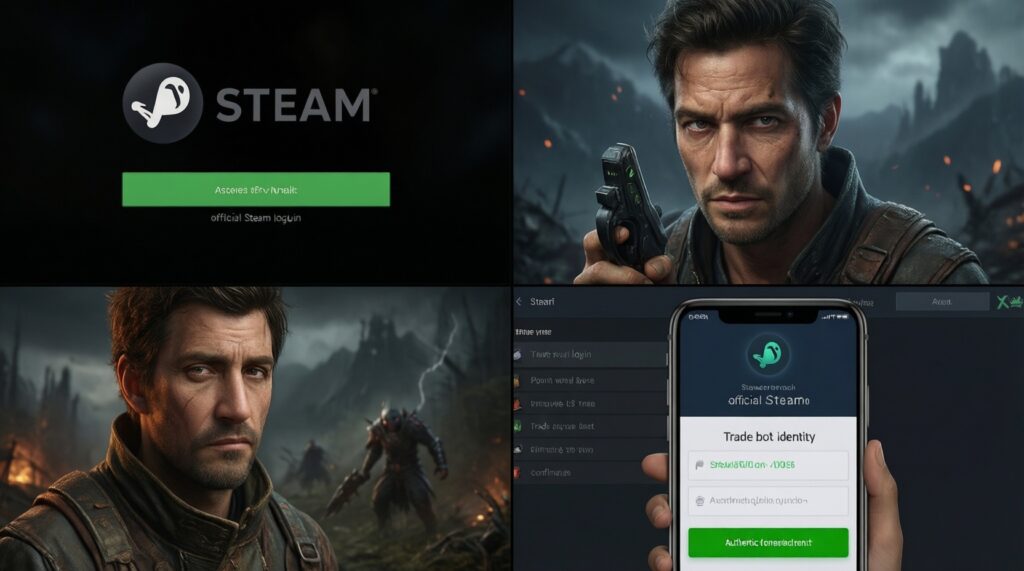
- Bookmark the real domain; never log in from ads/DM links.
- Confirm Steam OpenID login is truly on Steam; then return to the same domain.
- Verify the trade bot identity inside Steam; confirm partner and items; only then approve in Mobile Authenticator.
- Run a small deposit → smallest bet → immediate withdrawal test; scale only if it succeeds cleanly.
Secure Account Practices: From Steam Trades to Two-Factor Authentication
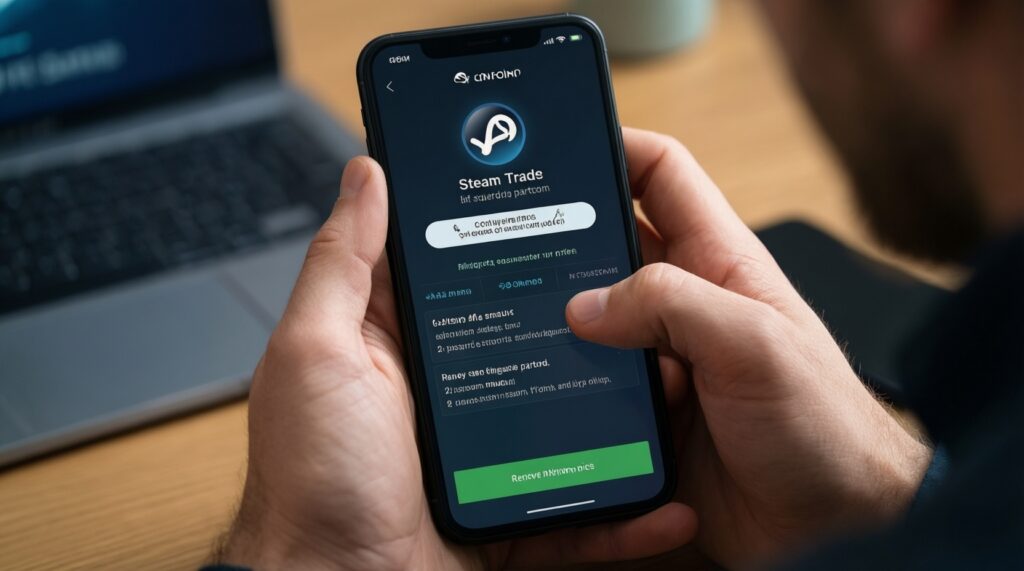
- Steam Guard Mobile Authenticator is enabled, and you approve trades only from your own device.
- You review each trade offer inside Steam (partner, items, and final confirmation) before accepting.
- Your Steam password is unique (not reused) and stored in a trusted password manager.
- You removed unknown browser extensions and blocked "free skin" downloaders or executables.
- You check and revoke any suspicious Steam API key activity; you keep your API key empty unless required.
- You confirm your email account is secured (2FA enabled) because Steam recovery relies on it.
- You do not share screenshots that include trade links, QR codes, or session details.
- You keep a record of trade offer IDs and site transaction IDs for every deposit/withdrawal.
Smart Risk Management: Bankroll Rules, Odds Assessment and Bet Types
- Over-depositing because the site "feels legit": legitimacy is proven by repeated withdrawals, not a clean UI.
- Chasing losses with bigger skins: increase stake sizes only after pre-defined milestones, not emotions.
- Ignoring withdrawal liquidity: a wallet balance is not the same as withdrawable skins; check availability and limits first.
- Mixing bonus terms with real value: promotions can lock withdrawals behind conditions you did not intend to meet.
- Betting without knowing the bet type mechanics: understand settlement rules (ties, overtime, voids) before you commit skins.
- Using one browser session for everything: keep betting separate from important accounts; fewer extensions, fewer risks.
- Assuming "provably fair" equals "safe platform": fairness of outcomes does not protect you from account theft or withdrawal blocks.
- Skipping the first small-test cycle: the safest "strategy" is proving deposit and withdrawal with low value first.
Dispute Resolution: Evidence, Chargebacks and When to Walk Away
Alternatives and escalation paths, depending on what happened:
- Internal support escalation: use one ticket thread, provide trade offer IDs, timestamps, and screenshots; set a deadline for response.
- Steam-side actions: if you suspect account compromise, change passwords, revoke sessions, and stop trading until your access is clean.
- Payment-processor route: for fiat/card deposits (not skin trades), contact the processor/bank quickly with transaction IDs and evidence.
- Walk away and contain damage: if withdrawals are consistently blocked or terms are abused, stop depositing, withdraw anything possible, and treat remaining balance as unrecoverable risk.
Answers to Common Security and Legality Concerns
Is there any truly safe way to start skin betting?
"Safe" means risk-managed: verify the domain and Steam login, secure your account, and prove withdrawals with a small test cycle. You can reduce scam risk significantly, but you can't remove platform and gambling risk entirely.
How can I confirm a site uses real Steam login and not a phishing copy?

The login should redirect to the official Steam community domain in the address bar and then return to your bookmarked site domain. Avoid embedded login forms or pages that ask for your Steam password outside Steam.
What's the fastest check to avoid scam trade bots?
Open the trade offer in Steam and verify the partner profile, then confirm the exact items and partner before approving in Mobile Authenticator. If anything changes or looks inconsistent, cancel immediately.
Why do some sites credit deposits instantly but block withdrawals?
Withdrawal friction can be intentional (trap mechanics) or due to poor liquidity and manual reviews. Read withdrawal terms before depositing and always do a small deposit → withdrawal test.
Can I charge back if I deposited via skins?
Skin deposits are Steam trades, not card payments, so traditional chargebacks generally don't apply. Your best protection is preventing the trade in the first place and keeping evidence for support disputes.
Is using a "เว็บเดิมพันสกิน CS2" legal in Thailand?
Legality can depend on local rules and your circumstances, and enforcement risk is real. If you're unsure, don't deposit and seek local legal guidance before participating.
What should I do first if I think I got scammed?
Stop trading, secure Steam (passwords, sessions, authenticator), collect trade IDs/screenshots, and contact the platform support using your original ticket trail. If fiat payments are involved, contact your payment provider promptly.