

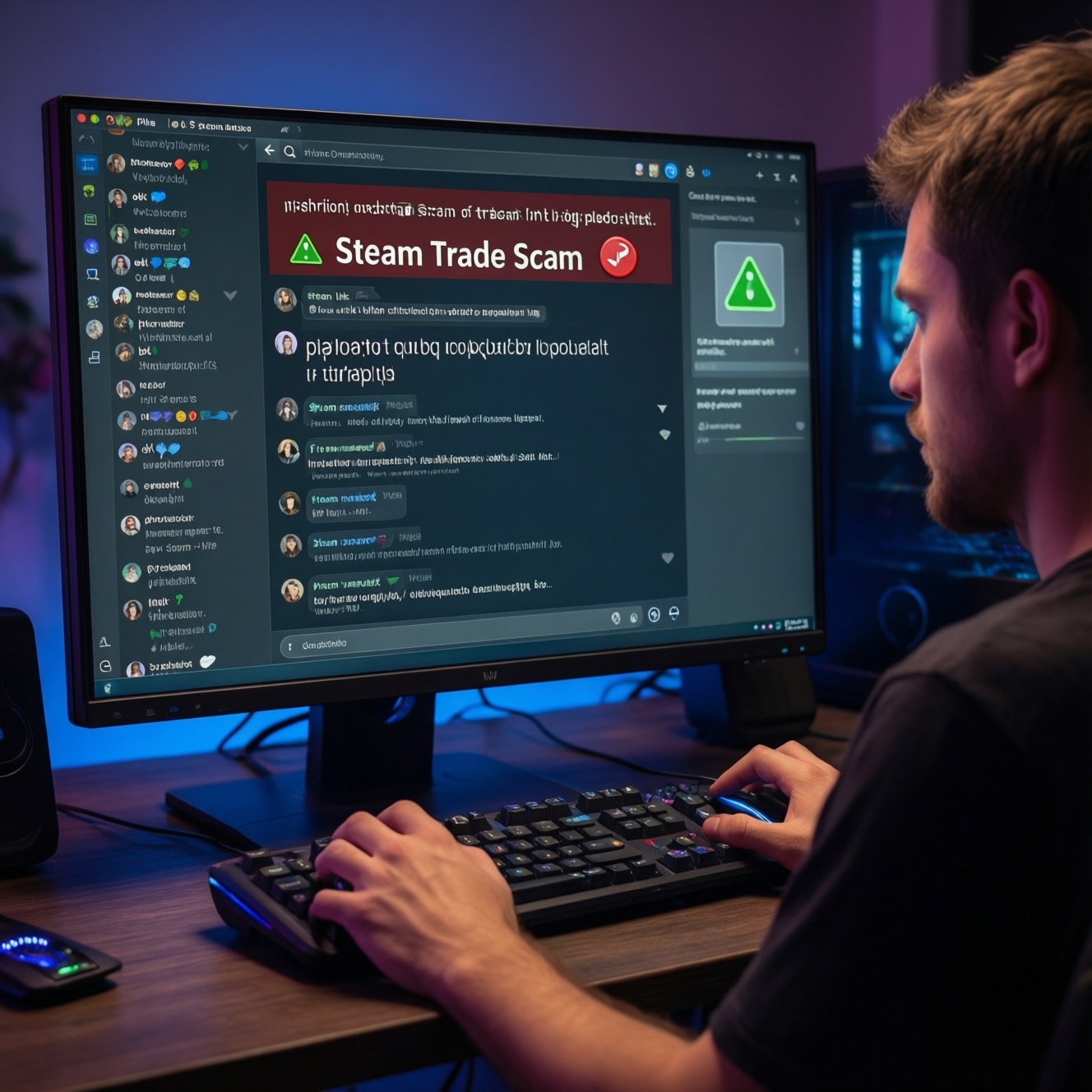
Most skin/item scams on Steam follow three patterns: an API Scam that hijacks trade confirmations, a fake Trade Link that reroutes your offer, or an impostor bot that mimics a real marketplace. Fixing it starts with read-only checks (no risky clicks), then containment: revoke keys/sessions, verify URLs, and re-secure Steam Guard before trading again.
Critical Indicators of Skin/Item Scams
- Trades you didn't initiate, or confirmations that appear "normal" but send items to an unfamiliar account.
- A "Trade Offer" link that looks Steam-like, but the domain or path is slightly off.
- A bot "escrow/verification" request asking you to send items first or to "check ownership."
- You receive urgent DMs: time pressure, limited offers, threats of bans, or "support staff" impersonation.
- API-related symptoms: repeated trade cancellations, duplicate offers, or offers reappearing after you decline.
Recognizing API Scam Signs: Symptom Checklist
- You create a trade, but the recipient account changes at the last moment (same avatar/name, different Steam ID).
- Your outgoing trade offer gets canceled quickly, then a "similar" offer appears.
- You see confirmations you don't remember approving, or approvals that happened unusually fast.
- Friends report receiving links from you that you didn't send.
- After logging into a "price check" or "inventory helper" site, trade behavior becomes abnormal.
Micro-example (API Scam): You list a CS2 knife for a swap. The buyer sends an offer; you accept. Seconds later the offer is canceled, then a new offer appears with the same nickname/logo but a different Steam profile. If you confirm the second offer, items go to the attacker. This is the pattern behind "ป้องกัน API Scam Steam" discussions.
Identifying Fake Trade Links and Their Red Flags
- Link domain is not an official Steam domain (anything outside steamcommunity.com / steampowered.com is suspicious).
- The URL uses lookalikes (extra letters, unusual subdomains, or mixed characters that resemble Steam).
- You're asked to log in again even though you're already logged into Steam in your browser.
- The page opens inside an embedded browser (Discord/LINE in-app browser) instead of your normal browser.
- The "trade link" page shows a different account than expected after login.
- They insist you must use their link, not yours, and discourage verification.
- The link is shortened/obfuscated and they refuse to share the full URL.
- They claim it's "Steam support", "Steam admin", or a "bot verification link."
- Redirect chains happen (you click once, address bar changes multiple times).
- The message contains a "check trade link now" bait (exactly the scenario in "เช็ค Trade Link ปลอม Steam").
Micro-example (fake Trade Link): You're told to "verify your trade URL." The page looks identical to Steam, but the address bar is slightly different. You log in; minutes later, someone tries to move your inventory. Treat this as compromised until proven otherwise.
Detecting Impostor Bots: Behavioral Symptoms and Tests
Impostor bots usually win by speed and confusion: they copy names, avatars, and "verified" screenshots. Diagnose them with read-only checks first, then only proceed if every identity signal matches.
| Symptom | Possible causes | How to verify (read-only first) | How to fix (lowest risk first) |
|---|---|---|---|
| "Bot" asks you to send items first for verification/escrow | Impostor bot; fake middleman; fake marketplace workflow | Check the marketplace's official help page and your own order page; confirm the bot SteamID matches the official list (not a screenshot) | Stop the trade; block/report; use only the marketplace's internal trade flow; never send "test trades" |
| Bot profile looks correct, but trade offer comes from a slightly different account | Copied name/avatar; attacker account mimicking the real bot | Open the profile from the official site and compare SteamID/URL; check account creation signals and previous aliases | Cancel/decline; re-open the bot profile from the official source; re-initiate trade from inside the platform |
| You're told to add a "new bot" because the old one is busy/banned | Social engineering; fake bot rotation story | Verify announcements on the platform's official channels; confirm bot list hasn't changed | Do not add; wait; contact platform support with screenshots and SteamIDs |
| Trade offer includes extra items/odd notes to "prove legitimacy" | Confidence trick; distraction to rush confirmation | Compare offer contents to your expected deal; check the receiving account SteamID | Decline; insist on exact terms; trade only via one confirmed channel |
| They pressure you to confirm on mobile immediately | Time-pressure tactic; API Scam follow-up; account already compromised | Pause; review Steam Mobile confirmations carefully: recipient, items, and trade URL | Stop trading; proceed to containment steps below before any new confirmations |
Micro-example (impostor bot): You're doing "ซื้อขายสกิน CS2 ปลอดภัย ป้องกันโดนโกง" on a third-party market. A "support" DM gives you a bot link and asks to send the skin first to unlock withdrawal. Real workflows do not require sending items to a random bot outside the platform's order flow-this is exactly what "เช็คบอทเทรดปลอม Steam ก่อนแลกสกิน" aims to prevent.
Immediate Containment: First‑response Steps After Suspicion
- Freeze activity: stop trading, stop logging into new sites, and do not approve pending confirmations until you verify recipients.
- Read-only inventory/trade review: open Steam trade history and confirm which SteamIDs received items (take screenshots for evidence).
- Re-check every open trade offer: compare recipient Steam profile URL/SteamID to the one you intended (not just nickname/avatar).
- Revoke web access sessions: sign out of other devices/sessions in Steam account security, then sign back in on one trusted device.
- Rotate credentials: change Steam password and the email password tied to Steam (start with email, then Steam).
- Reset Steam Guard posture: ensure Steam Guard Mobile Authenticator is active and on your device; remove unknown devices if shown.
- API key check and removal (only if present): if you have an API key you didn't create, revoke it; this is the practical core of "วิธีเอา Steam API Key ออก ป้องกันโดนขโมยไอเทม".
- Deauthorize suspicious devices/apps: remove any unfamiliar browser extensions or "inventory tools" added recently; scan the PC for malware.
- Notify counterparties: tell traders/friends your account may be compromised to prevent link spread.
Note for safety: steps 1-4 are low-risk and mostly read-only; do them before any destructive actions. If you're unsure about the API step, pause and escalate (next section).
Practical Protections: Account Settings, Tools and Safe Workflows
- Use a "trusted path" rule: open Steam in your own browser/bookmark, then navigate to trade pages; avoid in-app browsers.
- Always verify identity by SteamID/URL: nicknames and avatars are not identifiers; confirm the exact profile URL.
- Confirm recipient on mobile: before approving, re-check the recipient account and item list in the Steam Guard confirmation.
- Separate devices: keep Steam Guard on a phone that isn't used for random APKs/modded apps; keep trading on a clean browser profile.
- Minimize logins to third-party sites: prefer reputable marketplaces with clear bot lists and internal order pages.
- Use least-privilege browser hygiene: remove risky extensions; don't install "inventory helper" add-ons from unknown publishers.
When to escalate to Steam Support or a marketplace
- You see trades you didn't initiate, or confirmations you can't explain.
- Your email access is uncertain (password resets fail, unexpected forwarding rules, or unknown recovery options).
- A marketplace order is involved and a bot identity mismatch is suspected.
- You revoked sessions/passwords but suspicious trades continue (suggesting device compromise).
When you contact support, include: timestamps, trade offer IDs, recipient Steam profile URLs, and screenshots from trade history/confirmations. This preserves a clean incident trail.
Recovery, Audit and Long‑term Hardening After an Incident
- Audit trade history weekly for a period: look for small "test" losses and repeated patterns (cancel/recreate).
- Rebuild a clean browser profile: fresh profile, no extensions by default, and only Steam/marketplace bookmarks you trust.
- Lock down email: change password, review recovery methods, remove unknown devices/sessions, and check for forwarding rules.
- Document trusted counterparts: save known-good SteamIDs of friends/bots you trade with frequently.
- Standardize verification workflow: always "open profile from official source → compare SteamID → verify offer contents → confirm on mobile."
- Don't trade under pressure: time pressure is the main accelerator for API Scam, fake Trade Link, and fake bot attacks.
- Use a holding period for high-value items: if anything feels off, wait and re-verify later on a different network/device.
- Teach your circle: if your account was used to send links, warn friends to reduce secondary compromise.
These habits directly reduce repeat incidents and align with the intent behind "ป้องกัน API Scam Steam" and "ซื้อขายสกิน CS2 ปลอดภัย ป้องกันโดนโกง".
Common Concerns and Quick Answers on Skin/Item Scams
Can an API Scam steal items without me confirming anything?
Typically, valuable item transfers still rely on trade acceptance/confirmation flows. The danger is that you confirm the wrong recipient or a swapped offer while thinking it's the original.
What is the fastest way to "เช็ค Trade Link ปลอม Steam"?
Check the domain in the address bar and avoid logging in from the link. Open Steam from your own bookmark, then navigate to trade pages from inside Steam.
Is "วิธีเอา Steam API Key ออก ป้องกันโดนขโมยไอเทม" always required?
Only if an API key exists and you don't recognize it, or you see API-scam-like symptoms (offer swaps/cancel-recreate patterns). If no key is present, focus on sessions, passwords, and device hygiene.
How do I "เช็คบอทเทรดปลอม Steam ก่อนแลกสกิน" reliably?
Validate the bot SteamID from the marketplace's official order page or official bot list, not from screenshots. If the trade offer sender SteamID doesn't match, decline.
Are middleman/escrow bots ever legitimate for CS2 skin trades?
Legitimate platforms use bots inside a documented order flow; random "support" DMs asking you to send items first are a red flag. If it's not verifiable from the platform's official pages, treat it as a scam.
What should I do if I already clicked a suspicious link but didn't log in?
Close it, clear the in-app browser session, and run read-only checks on trade history and active sessions. If anything changed, proceed with containment steps (revoke sessions, change passwords).
What's the safest baseline for "ซื้อขายสกิน CS2 ปลอดภัย ป้องกันโดนโกง"?
Trade only through reputable marketplaces or direct trades with verified SteamIDs, confirm recipients on Steam Guard, and never rush a confirmation. If identity can't be verified, do not trade.