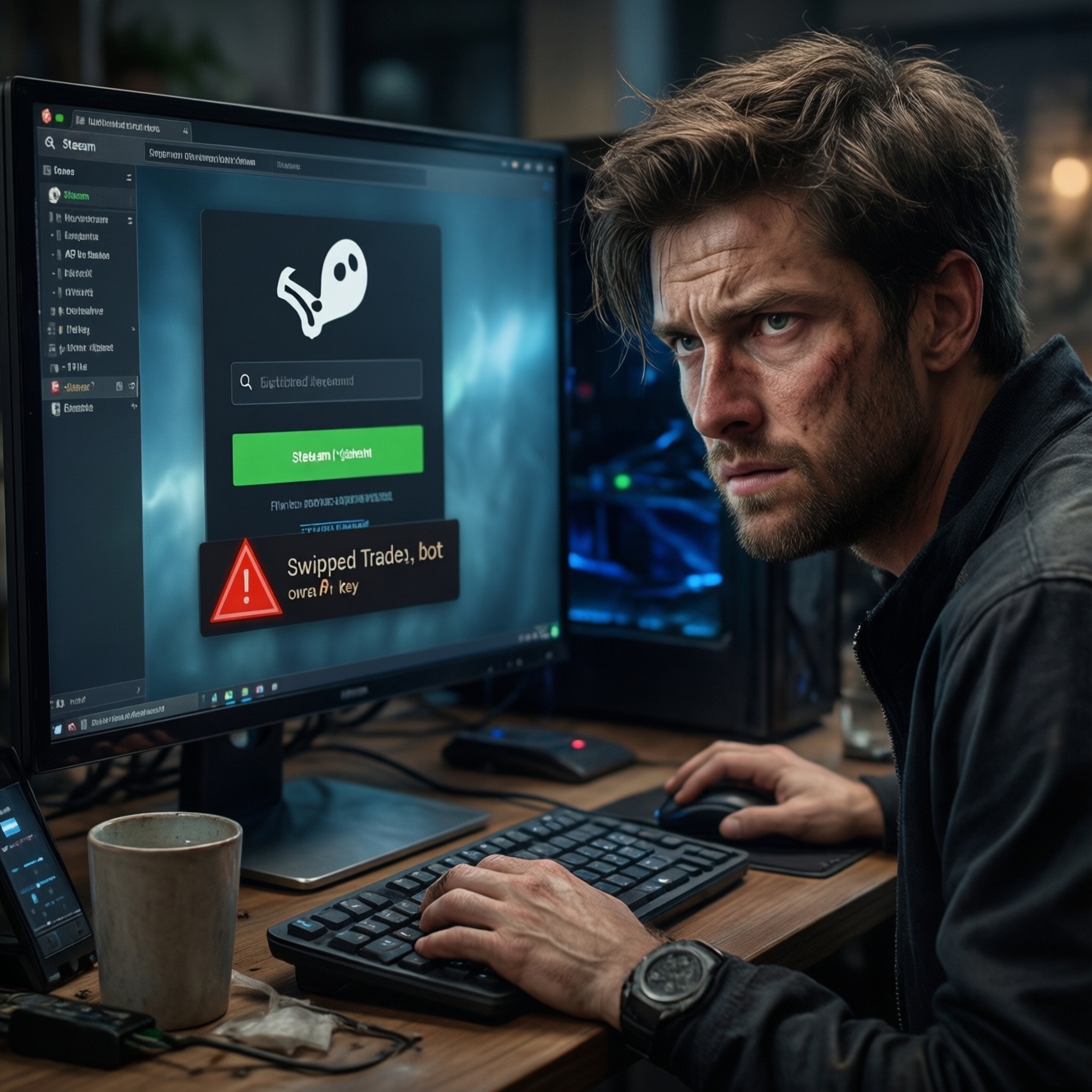


API scams, phishing, and fake trades in the Steam skin/item scene usually succeed because victims authorize something (an API key, a login session, or a trade) without verifying the counterparty. To fix the problem safely, start with read-only checks: confirm where your session was used, what was traded, and whether an API key was added, then revoke access and rotate credentials.
Immediate Red Flags: How to Spot Active Scams
- Trades get canceled and re-sent to a look-alike account with a similar name/avatar.
- You see trade offers you didn't create, or your outgoing offer changes after you confirmed it.
- Steam Guard confirmations appear at odd times, or you get repeated prompts to confirm the same trade.
- A friend (or a staff/admin impersonator) sends a link to verify inventory, check ban, price check, or vote for a team.
- You logged in to a third-party site recently (often after searching ซื้อสกินเกมราคาถูก) and your browser remembered the session.
- A เว็บขายสกินเกมน่าเชื่อถือ page asks you to re-login via a Steam-looking window that is not the real Steam domain.
API Token Abuse: Signs, Attack Vectors, and Quick Checks
What you typically notice (symptoms):
- Outgoing trades are created without you initiating them, or they are redirected to another account.
- Your legitimate trade partner says they never received the offer, while you see Sent in history.
- Trade confirmations happen fast after you list items or negotiate a deal.
- Multiple trade attempts occur right after you logged into a skin site.
Common attack vectors (why it happens):
- You entered Steam credentials on a fake login page; an attacker reuses your session to create an API key or to manage trades.
- A malicious inventory helper extension steals cookies or injects scripts into trading pages.
- You reused passwords, and an attacker combined it with social engineering to push you into approving 2FA prompts.
Read-only quick checks (safe-first):
- Review your Steam trade history for canceled plus immediately new offers with near-identical partner details.
- Check your Steam account login history/devices for unfamiliar locations/devices (screenshot it for evidence).
- Scan your browser history for recently used Steam login pages that were not on official Steam domains.
- List recently installed browser extensions and note anything trading-related you did not intentionally install.
Note for prevention planning: the common Thai search intent วิธีป้องกัน API Scam Steam usually points to one core control: treat API-key creation or trading authorization as a high-risk event, verify it on official Steam pages only, and rotate credentials immediately after any suspicious login.
Phishing Lures: Identifying Malicious Messages and Links
Use this checklist before clicking any link, especially if it arrived via DMs, Discord, or support impersonation messages claiming urgency.
- The message pressures you with urgency: 24 hours, account locked, you must verify now.
- The sender claims authority (Steam staff, tournament admin, marketplace moderator) and refuses official channels.
- The link domain is unfamiliar, uses look-alike characters, or has extra words (for example, steam-..., stearn..., community-...).
- A login page appears inside a pop-up or embedded frame rather than a normal browser navigation bar you can verify.
- The page asks for Steam Guard codes, recovery codes, or to re-sync mobile authenticator.
- The Sign in through Steam button leads to a domain that is not an official Steam domain.
- The site requests you to install an extension/app to see prices, auto-trade, or increase security.
- The page shows your avatar/name without you logging in, often a sign it is reading cached data while phishing credentials.
- Friends sending links act out of character; their account may already be compromised.
- You found the site via วิธีเช็คเว็บ Phishing Steam searches and forum links rather than from a known, verified source.
Fake Trade Schemes: Symptom Patterns and Verification Steps
Fake trade scams typically exploit confusion during negotiation: the attacker mimics the real counterparty, swaps trade links, or asks you to cancel and resend. If you're trying วิธีหลีกเลี่ยง Fake Trade แลกสกิน, the key is verifying identity before every confirmation; name/avatar are not identity.
| Symptom | Possible causes | How to verify (read-only first) | How to fix (least disruptive first) |
|---|---|---|---|
| You canceled a trade and then re-sent, but items went to someone else | Impersonator account with similar name/avatar; attacker sent a different trade URL; compromised friend account | Compare the trade partner's profile URL/SteamID from trade history; check the chat log for who provided the link; verify mutual servers/friends are consistent | Stop trading; message the real partner via a known channel; document SteamID of the recipient; secure account before any new trades |
| Your outgoing offer changed after you confirmed on Steam Guard | Session hijack; malicious extension; attacker controlling the browser session | Check extension list; review active sessions/devices; confirm timestamps between offer creation and confirmation | Log out of all sessions; remove suspicious extensions; re-login on a clean browser/device; rotate password |
| Middleman/admin insists you must send items first to verify or hold | Classic escrow scam; fake staff identity; cloned Discord profiles | Ask for official proof via platform support channels; search the admin account creation date and history; verify they cannot provide official ticket IDs | End conversation; block/report; keep items; legitimate platforms do not require you to hand items to a third party |
| A marketplace claims to be a เว็บขายสกินเกมน่าเชื่อถือ but demands direct Steam trade off-platform | Off-platform settlement to bypass protections; fake escrow; bait-and-switch | Check whether the platform provides verifiable order IDs and an on-site dispute flow; confirm their official domain from their own verified social channels | Do not trade directly; use only the platform's protected flow; if already engaged, pause and secure your account first |
| You got too good to be true pricing after searching ซื้อสกินเกมราคาถูก | Bait to push you onto phishing pages; counterfeit cashout sites; stolen accounts running promos | Validate the domain and certificate; inspect the URL carefully; check if the login is a real redirect to Steam | Exit; clear browser sessions; change password if you entered credentials; warn friends if the link spread in chats |
Transaction Forensics: Reconstructing What Went Wrong (table-ready)
- Freeze activity (read-only): stop new trades, listings, and logins on unknown devices; do not run a test trade to verify anything.
- Capture evidence: screenshots of trade history entries (timestamps, partner), chat messages, suspicious URLs, and any Steam Guard prompts you received.
- Rebuild the timeline: write down the last known safe moment (before clicking a link) and the first suspicious event (trade canceled, confirmation prompt).
- Confirm counterparty identity: use SteamID/profile URL from trade history rather than display name/avatar; compare it with the person you negotiated with.
- Check for session compromise indicators: review logged-in devices/sessions and note anything unfamiliar (keep it documented).
- Inspect your browser environment: list extensions, recent downloads, and any Steam helper tools; note installation dates.
- Isolate the likely vector: phishing link, malicious extension, or social-engineered trade swap; map it to the exact moment in your timeline.
- Only after evidence is captured: proceed to containment steps (revocations, logouts, password rotation) to avoid losing forensic traces you still need.
Containment & Recovery: Revoke, Patch, and Restore Assets
Do these actions after you've collected evidence (or immediately if the scam is ongoing):
- Log out of all sessions/devices and re-login only on a clean, trusted device.
- Change your Steam password (and any reused passwords elsewhere).
- Re-check Steam Guard/authenticator settings to ensure it's still your device and your recovery methods.
- Remove suspicious browser extensions and revoke app/site access you don't recognize.
- Re-open Steam and confirm no new outgoing trades/offers exist.
Escalate to support or a specialist when:
- You see repeated unauthorized trades even after logging out everywhere and changing passwords (suggests device/browser compromise).
- You suspect malware on the PC (unknown processes, new extensions reappearing, browser redirects).
- Your account email/phone was changed or recovery options were modified.
- You need to file a formal report and want to preserve evidence correctly (trade IDs, SteamIDs, chat logs).
Prevention Framework: Automation, Policies, and Player Education
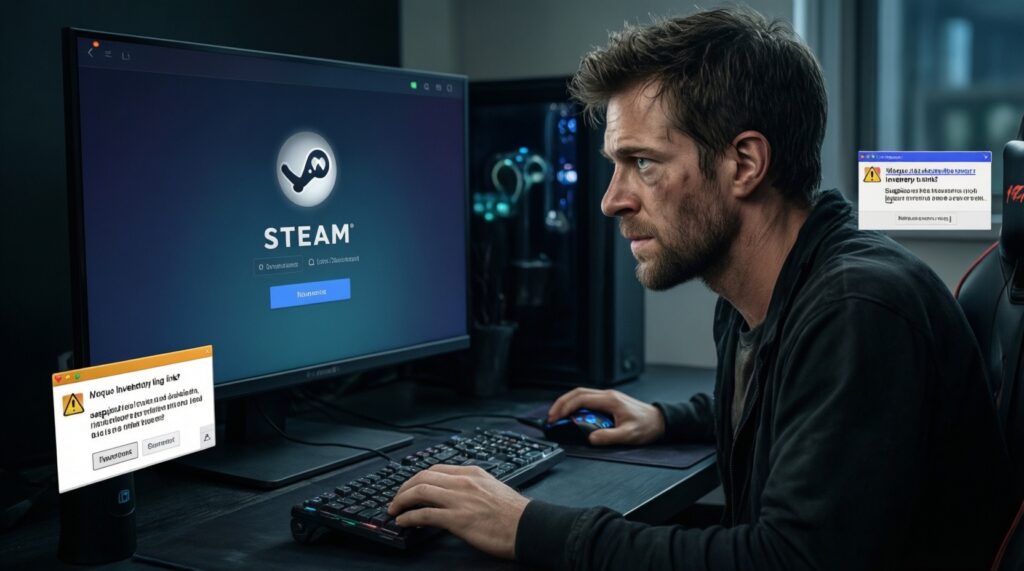
- Adopt an official-domain only rule: never enter Steam credentials outside the real Steam login flow; treat every verify inventory link as hostile until proven otherwise.
- Use a clean-browser profile for trading: no extra extensions; separate from daily browsing and downloads.
- Two-person verification for high-value trades: ask a trusted friend to validate the SteamID/profile URL before you confirm.
- Identity verification habit: confirm trade partner by SteamID/profile URL from a trusted source; ignore display name/avatar similarity.
- Ban middleman workflows: no third-party holding/verification trades, even if they claim to be admins.
- Bookmark known-good destinations: if you truly need a เว็บขายสกินเกมน่าเชื่อถือ, access it from bookmarks or verified channels, not from ads/DM links.
- Training cue words: educate your group that urgent, ban, vote, free, and too cheap (ซื้อสกินเกมราคาถูก) are common lure themes.
- Trade confirmation discipline: read the recipient carefully every time; if anything feels off, cancel and re-verify identity before resending.
Concise Answers for Rapid Incident Triage
What is an API scam in Steam skin trading?
It's usually a takeover path where the attacker gains enough access to manage trades (often after you sign in on a fake page), then redirects or replaces offers. The visible symptom is trades being canceled and reissued to a look-alike account.
How can I quickly apply วิธีป้องกัน API Scam Steam without breaking anything?
Start with read-only checks: trade history, login/device history, and extension inventory. Then log out of all sessions and rotate your password on a clean device before resuming trades.
What's the fastest way to do วิธีเช็คเว็บ Phishing Steam?
Verify the domain in the address bar and avoid logins embedded in pop-ups/frames. If the site pressures you to enter Steam Guard codes or install an extension, treat it as malicious and leave.
How do I follow วิธีหลีกเลี่ยง Fake Trade แลกสกิน during a live negotiation?
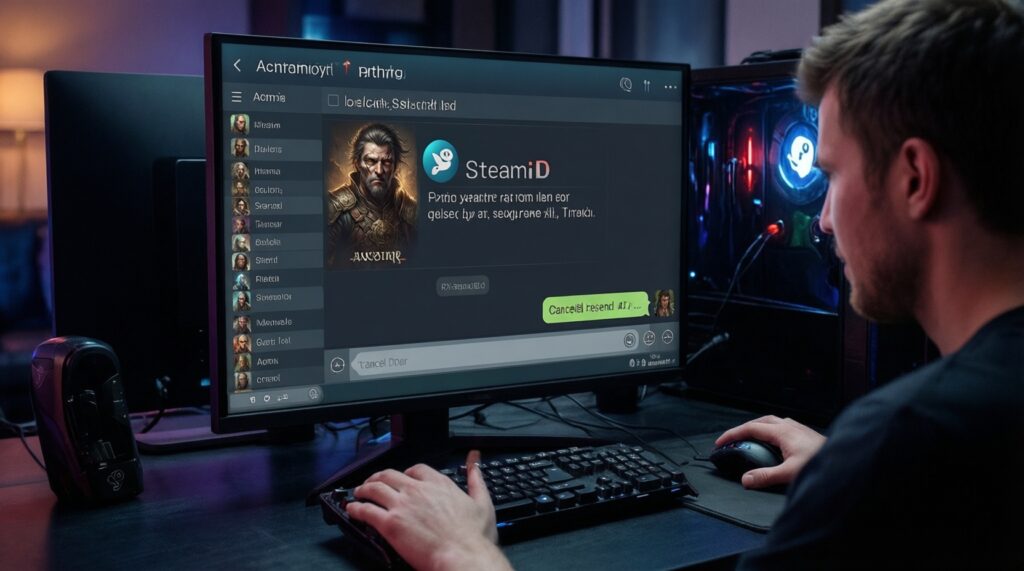
Verify the partner via SteamID/profile URL from a trusted channel, not by display name or avatar. Never accept cancel-and-resend instructions unless you independently confirm the identity.
I searched ซื้อสกินเกมราคาถูก and found a deal-how do I avoid getting trapped?
Assume the first goal is to move you to a phishing login. Use bookmarks for known destinations and refuse any flow that requires off-platform trades or re-authentication outside official Steam pages.
How do I decide whether a site is a เว็บขายสกินเกมน่าเชื่อถือ?
Trust is about verifiable identity and dispute flow, not design. If it relies on direct Steam trades initiated from DMs, admin impersonators, or unverified links, treat it as untrustworthy.