
To trade Steam items safely (เทรดไอเทม Steam), you need an eligible account, confirmed trade access, and strict verification before you accept any Steam Trade Offer. The core workflow is: secure your account (Steam Guard Mobile Authenticator), verify the partner and items, check values, send/confirm the offer, then re-check your inventory. This reduces scam risk during ซื้อขายไอเทม Steam or แลกสกิน Steam.
Quick Trading Checklist for Every Deal

- Use Steam Guard Mobile Authenticator and confirm you can approve trades in-app.
- Open the offer only from Steam → Trading → Trade Offers (not from external links).
- Verify the partner's Steam profile matches the person you're talking to.
- Re-check every item (name, quality, unusual effects, stickers, wear/float where relevant).
- Compare value using Steam Community Market and stable third-party pricing references.
- Never "verify" items by sending them to anyone; never share login codes or QR approvals.
- Confirm you received the correct items in your inventory after the trade is completed.
Understanding Steam Trading Mechanics
When Steam trading is a good fit
- You want to exchange in-game items with another user via a standard Steam Trade Offer.
- You understand that Steam trades are typically final once confirmed and completed.
- You can verify identity and item details without relying on screenshots or "middlemen".
When you should not trade
- You're being rushed ("last chance", "you must confirm now") or asked to move off-platform to "complete" the deal.
- The other party asks for a "test trade", "item check", "ban check", or "verification trade".
- You can't access your Mobile Authenticator or your account security is uncertain.
Preparing Your Inventory: Verification and Security
Account requirements to trade smoothly
- Steam account in good standing with trading features available (no current trade restrictions shown in Steam).
- Steam Guard Mobile Authenticator set up and working on your phone.
- Access to your email and phone number tied to Steam for recovery.
Security setup that prevents most takeovers
- Enable Steam Guard and keep the mobile approvals under your control at all times.
- Use a unique password and a password manager; avoid reusing it on trading sites or chats.
- Review Authorized Devices and sign out of old sessions if anything looks unfamiliar.
- Limit risk from extensions: remove unknown browser add-ons and avoid "price checker" extensions that request broad permissions.
Risk and limitations to accept before you start (risk-aware)
- Trading is built for item exchange, not guaranteed "refunds" if you make a mistake.
- Scams often succeed through identity spoofing and last-second item swaps, not technical hacks.
- Third-party "trusted middleman" claims are a common attack pattern; treat them as untrusted by default.
- External links can imitate Steam login; only sign in on the official Steam domain and in the Steam client/app.
Valuing Items: Market Research and Price Tools
-
Identify the exact item variant before you price it.
Review the item's full name and attributes (quality/rarity, tradability, craft number, stickers, wear/float where applicable). Many losses in ซื้อขายไอเทม Steam happen because two items look similar but are priced very differently.- Open the item details page and check for special tags (e.g., unusual effects, limited variants).
- Be skeptical of renamed items designed to look like higher-tier versions.
-
Check the Steam Community Market for a baseline.
Use the market listing and recent sales trend as your "floor" reference for common items. For items not listed or with thin volume, treat the market price as incomplete rather than definitive.- Compare listings with the same condition/variant, not just the same general name.
-
Cross-check with stable third-party price references (not DMs).
Use reputable pricing sources for your specific game community, then compare to Steam's baseline. Ignore "price checks" provided via chat screenshots or single-sale anecdotes.- If two sources disagree heavily, assume the lower liquidity item is harder to sell and price more conservatively.
-
Estimate your exit plan before you trade.
If you're doing แลกสกิน Steam to later sell, decide where you plan to liquidate and what fees/limits apply there. A "profitable" trade can become a loss if you can't sell quickly or safely. -
Sanity-check the offer against common manipulation patterns.
Overpay offers from strangers often come with a catch (off-platform payment, "verification", or "API check"). If the deal is dramatically better than market, slow down and verify everything twice.
Executing Trades Safely: Step-by-Step Workflow
Safe workflow from chat to completed trade
- Find the partner through Steam (their official profile) and confirm you're viewing the correct account.
- Create or open a Steam Trade Offer inside Steam (client/app/web) without using shortened links.
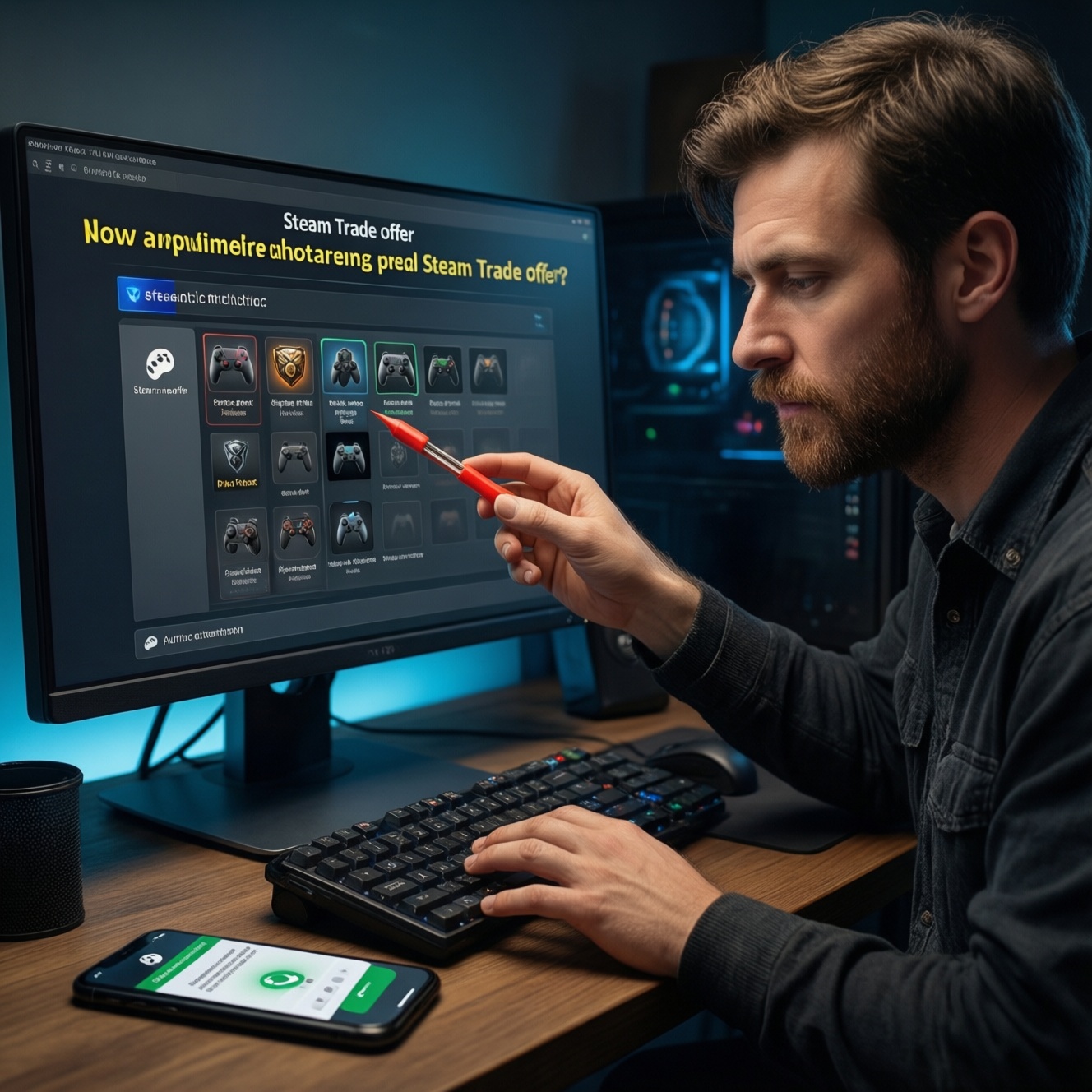
- Add items and re-check each one in the offer window: variant, condition, and quantity.
- Verify the partner's items and your items again just before sending/accepting.
- Confirm via Steam Guard Mobile Authenticator and read what you are approving (who, what items).
- After completion, confirm inventory changes and take a quick screenshot of the final completed trade page for your records.
Result verification checklist (before you click Accept/Confirm)
- Trade page shows the correct Steam account (profile level/name/avatar match; open profile in a new Steam tab).
- You are not being asked to "confirm" on a non-Steam page or in a fake popup.
- The offer contains the exact items agreed (no substitutions, no missing add-ons).
- No last-second changes happened while you were distracted (re-check immediately before accepting).
- You understand the net value difference and accept it intentionally (no vague "I'll pay later" terms).
- You will confirm only through the official Steam mobile app approvals.
- You can still cancel: if anything feels off, cancel the Steam Trade Offer and restart cleanly.
Recognizing and Avoiding Common Scams
- Impersonation (profile cloning): scammers copy a known trader's name/avatar. Always verify the profile URL and compare mutual friends/history.
- "Middleman/administrator" narrative: anyone claiming to be Steam staff, a "trade admin", or a "trusted escrow" in DMs is a red flag.
- Verification trade: "Send your item to prove it's not duped / to verify value / to avoid ban." Legit trades do not require you to hand over items for checks.
- Off-platform payment bait: promises of higher payout if you move to external payment or a different site, then pressure to deliver items first.
- Last-second item swap: they replace a high-value item with a look-alike. Defend by re-checking each line item immediately before acceptance.
- Phishing login pages: links that look like Steam. Only log in through the official Steam client/app and known Steam domain pages.
- Malicious "price checker" tools: browser extensions or executables that request login or access; they can steal sessions or manipulate what you see.
- "API scam" / session hijack signs: trades you didn't initiate, sudden re-logins, or approvals you don't recognize. Stop trading and secure the account first.
Dispute Resolution and Account Recovery Process
Option 1: Cancel and reissue the trade offer
If you spot any mismatch (items, partner, terms), cancel the Steam Trade Offer immediately and send a new one only after re-verifying everything.
Option 2: Secure the account before any further trades
If you suspect compromise, change your password, review authorized devices, revoke unknown sessions, and re-check Steam Guard Mobile Authenticator integrity before you trade again.
Option 3: Use Steam Support for account access issues
When you lose access, face restrictions, or see unauthorized activity, use Steam Support's official recovery flows. Keep proof like completed trade pages and timestamps.
Option 4: Community moderation and reputational checks (situational)
For repeated scam attempts, report the account through Steam's reporting tools and share evidence in relevant community channels-without exposing sensitive data or codes.
Common Concerns and Practical Answers
Is a Steam Trade Offer reversible after I confirm it?
Usually no; treat completed trades as final. That's why you must re-check items and the partner before confirming in the mobile app.
Do I need Steam Guard Mobile Authenticator for safer trading?
Yes, it's a key control for approvals and reduces account-takeover risk. If you can't access it, pause trading until it's restored.
What's the safest way to do ซื้อขายไอเทม Steam with strangers?
Prefer transparent, on-platform workflows and verify identity through Steam itself. Avoid off-platform payments, "escrow" DMs, and any request to send items first.
How do I avoid getting tricked during แลกสกิน Steam?
Re-check each item variant and quantity immediately before acceptance. Don't rely on screenshots; rely on what the trade window shows.
Someone sent me a link to "view" a Steam Trade Offer-should I open it?
Only if you can independently find the same offer inside Steam's Trade Offers page. If the link demands login or looks unusual, ignore it and navigate manually.
What should I do if I accidentally accepted the wrong trade?
Stop trading, document the completed trade page, and secure your account. Then contact Steam Support if there are account access or unauthorized activity concerns.
How can I tell if the account I'm trading with is an impersonator?
Compare the profile URL, past aliases, and other stable identifiers-not just name/avatar. If anything doesn't match, cancel and re-verify.