To spot fake trade bots and phishing links in Steam gambling communities, verify the bot identity inside Steam first, then treat every external URL as hostile until proven otherwise. A real bot never needs your Steam password, Guard code, or a rushed "re-login" flow. In 60-120 seconds you can confirm profile signals, SteamID consistency, and URL redirections.
Quick Indicators of Fake Trade Bots
- The "steam gambling trade bot" contacts you first and pushes you to click an external site immediately.
- The bot claims urgency: "trade expires," "account flagged," "KYC now," or "withdrawal stuck."
- You're asked to open a "steam gambling phishing link" to "verify," "connect Steam," or "confirm winnings."
- The profile looks cloned: generic avatar, low activity, mismatched name history, or recently changed URL.
- The trade offer looks "too clean" but asks you to cancel/redo so an "updated bot" can trade instead.
- Any "steam scam trade bot" requests screenshots of Steam Guard, email codes, or asks you to disable Steam Mobile Authenticator.
- A "steam trade bot scam" often uses near-identical domains or redirects (extra letters, dashes, different TLD).
How Scam Trade Bots Operate: Tactics and Motivations
This guide is for intermediate Steam users who already know how trades, Steam Guard, and third-party logins work but want faster, safer verification in gambling-focused groups. Scammers typically aim to (1) steal your session via a fake Steam login page, (2) redirect you to a clone "withdraw" site, or (3) trick you into sending items to a look-alike account.
Do not proceed if you are tired, rushed, or already clicked a suspicious "steam gambling sites scam" link and logged in. Switch to response steps immediately (containment and recovery) instead of trying "one more check."
Verifying Bot Identity: Profile, SteamID and Third‑Party Checks
Have these ready so you can confirm identity without leaving Steam:
- Steam desktop client (preferred) or Steam mobile app.
- Steam Guard / Mobile Authenticator enabled and functioning.
- Access to the official group/server message where the bot was announced (pinned post, verified announcement, or official website page).
- A way to view the full profile URL (custom URL + numeric SteamID64 when available).
- Basic domain checking: ability to copy a link and inspect it before opening.
Rule: only trust a bot identity if the same SteamID/profile is referenced by multiple official channels (the gambling site's official announcement + official community + your own in-client view).
Spotting Phishing Links: URL Anatomy and Redirect Patterns
-
Copy the link first; do not open it.
In chat, right-click and copy the URL. If you cannot copy (mobile overlays), ask the sender to paste the full URL as plain text. A "steam gambling phishing link" often hides behind shortened or masked previews.
- Red flag: link shorteners, "click to verify," "open in browser," or "login required" prompts.
-
Read the domain from right to left.
Identify the registrable domain (the real core domain) and ignore decorative subdomains. Attackers use subdomains to look legit (for example, steamcommunity.login.example.com is still example.com).
- Red flag: look-alike characters (0/O, l/I), extra hyphens, or odd TLDs.
-
Check for "Steam login" pages that are not Steam.
If the page claims to be Steam, the domain must be Steam-owned and consistent with what your Steam client expects. Phish pages imitate the Steam sign-in UI to capture credentials or a session token.
- Red flag: any login page reached from a gambling chat that asks for password or Guard code after you were already logged in elsewhere.
-
Inspect the path and query for redirect tricks.
Look for parameters like redirect=, url=, next=, or long base64-like strings. These are commonly used to bounce you through multiple domains before the final phishing page.
- Red flag: a legitimate-looking domain that immediately forwards you to a different domain.
-
Open safely only after you isolate the destination.
If you must check, open the link in an isolated environment (private window without being logged into Steam, or a separate browser profile). Never enter credentials from that session; instead, manually type Steam's address in a fresh tab if needed.
- Red flag: it forces you to "re-authenticate" before showing withdrawals, inventory, or bot selection.
-
Confirm the bot identity without using the link.
A real service provides a bot Steam profile you can find and verify inside Steam (via official bot list or a signed/verified announcement). If the only way to "verify" a bot is clicking an external URL, treat it as a steam gambling sites scam pattern.
Fast-track mode (3-5 checks)
- Do not click: copy the URL and identify the real domain (ignore subdomains).
- Reject any page asking you to re-login to Steam from a gambling chat or "steam gambling phishing link."
- Verify the bot inside Steam: compare the exact profile/SteamID with the official bot list/announcement.
- Never trade to a "replacement bot" suggested only in DMs; cancel and re-validate via official channels.
- If you already logged in, stop and run containment steps immediately.
Chat and Offer Behavior That Signals a Scam

- The sender claims to be support/mod but cannot be verified in the official server roles or announcements.
- The "steam gambling trade bot" insists on moving to DMs, deleting messages, or avoiding public channels.
- The bot asks you to "send items first" to "verify inventory," "unlock withdrawal," or "pass AML/KYC."
- The trade offer requests you to disable Steam Guard, remove authenticator, or share codes/screenshots.
- You're told to cancel an existing trade because "the bot is bugged" and to accept a new one from a similar-looking profile.
- The account has inconsistent details: sudden name changes, no credible friends, low interaction history, or copied artwork.
- The offer uses confusing item names/containers to distract you from the recipient identity.
- The "steam scam trade bot" threatens bans, reports, or "inventory lock" if you don't comply quickly.
- The conversation includes a "steam trade bot scam" justification: "Steam needs you to sign again" or "Steam changed API."
Tools and Browser Defenses for Immediate Link Analysis
- Opening links while logged into Steam in the same browser profile (it increases the value of session theft).
- Trusting link previews (previews can be misleading; always inspect the full URL text).
- Assuming HTTPS equals safety (phishing sites use HTTPS too; the domain is what matters).
- Ignoring redirects (a clean first domain can instantly forward you to a malicious one).
- Relying on "verified" badges outside Steam (screenshots and fake badges are trivial to forge).
- Using the same password everywhere (credential reuse makes a single phish far worse).
- Disabling Steam Guard to "fix trading" (legitimate services won't require weakening your security).
- Installing random "Steam helper" extensions (extensions can read/modify pages and steal sessions).
- Skipping a manual navigation check: for any Steam action, type the address yourself or use the Steam client, not a chat link.
Practical defenses: use a dedicated browser profile for Steam, keep your main browsing separate, and block unsolicited DMs/links in gambling community chats when possible. If a site requires Steam login, navigate to Steam manually in a clean tab and verify you are on the correct domain before authenticating.
Containment, Reporting and Recovery Steps After an Incident
Choose the option that matches what happened; do the safest action first.
-
If you clicked a suspicious link but did not log in:
Close the tab, clear recent site data for that domain, and block/report the sender in Steam and the community. Document the URL for moderators without re-opening it.
-
If you entered Steam credentials or approved a Steam Guard prompt:
Change your Steam password immediately, review authorized devices/sessions, and revoke suspicious access. Then check trade history and API/third-party connections; treat this as a steam gambling sites scam incident.
-
If you accepted a trade to the wrong account:
Save trade confirmation details and profile links, report the account and the trade to Steam, and notify the platform/community moderators with evidence. Do not pay "recovery fees" or trust "item return" promises from new accounts.
-
If your account behavior changed (messages sent, listings posted):
Assume compromise: reset password, deauthorize sessions, scan your device for malware, and warn friends not to click any links you recently sent.
Common Concerns and Rapid Clarifications
Is every steam gambling trade bot automatically a scam?
No. Some services use bots legitimately, but you must verify the exact Steam profile/SteamID via official announcements and never via DMs alone.
What is the fastest sign that a steam gambling phishing link is dangerous?
If it pushes a "re-login to Steam" flow from a chat link, treat it as hostile. Navigate to Steam manually instead of authenticating from that page.
Can a steam scam trade bot look identical to a real bot?
Yes-names, avatars, and even copied layouts can be cloned. Trust the numeric SteamID/profile identity referenced by official channels, not appearance.
Why do steam trade bot scam messages insist on urgency?
Urgency reduces verification time and increases misclicks. Any threat of bans or "trade expiry" is a prompt to pause and verify independently.
Are "verify your account to withdraw" claims typical of steam gambling sites scam patterns?
Yes, especially when "verification" means sending items, sharing codes, or logging in through a suspicious link. Legitimate flows don't require weakening Steam security.
What should I do if I already logged in on a suspicious page?
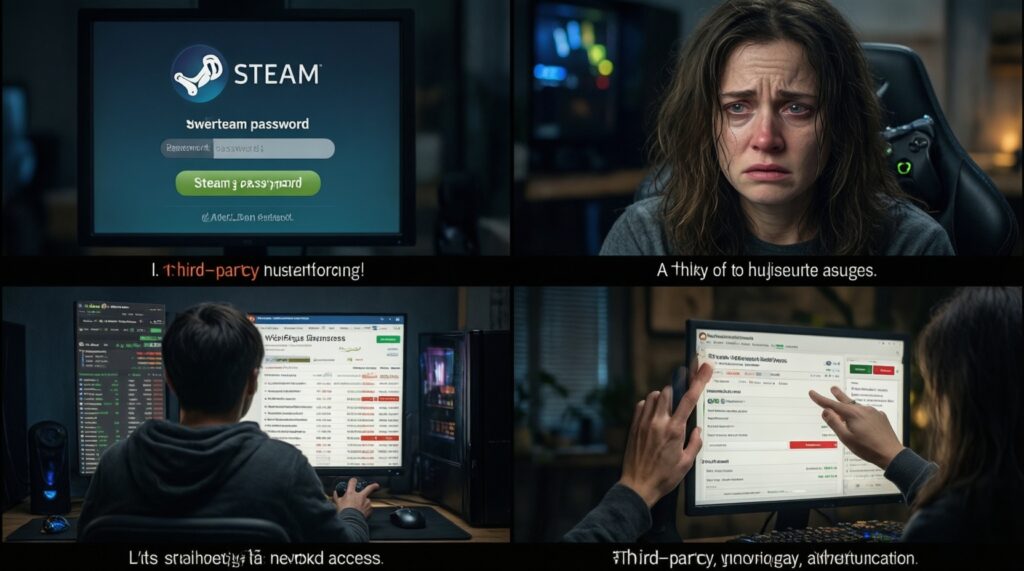
Change your Steam password immediately and revoke suspicious access/sessions. Then review recent trades and third-party authorizations for anything you don't recognize.